Smart Wizard
Get a complete build plan based on budget and goals.
Build Comparison
Compare complete builds side by side.
Part Comparison
Check specs, price, and value across parts.
Bottleneck Calculator
Measure CPU and GPU balance before you buy.
Power Calculator
Estimate wattage and PSU headroom.
Will It Run?
Test your hardware against popular games.
Theme
BudgetOffice
Budget GPUs for Office Use: 2026 Buyer's Guide
For office tasks like word processing, spreadsheets, web browsing, and video playback, integrated graphics are often sufficient. However, a dedicated budget GPU can provide additional display outputs, improve performance for multiple high-resolution monitors, or offer a slight boost for light photo/video editing. This guide focuses on extremely affordable options for users who need a basic display adapter or a small upgrade over integrated solutions, prioritizing cost-effectiveness and basic functionality.
Featured Picks
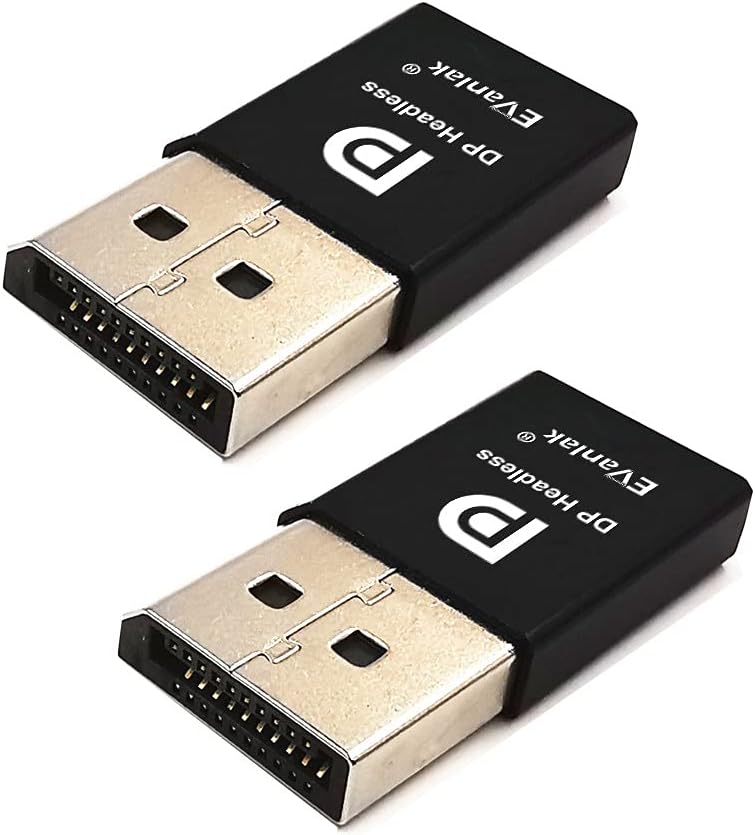
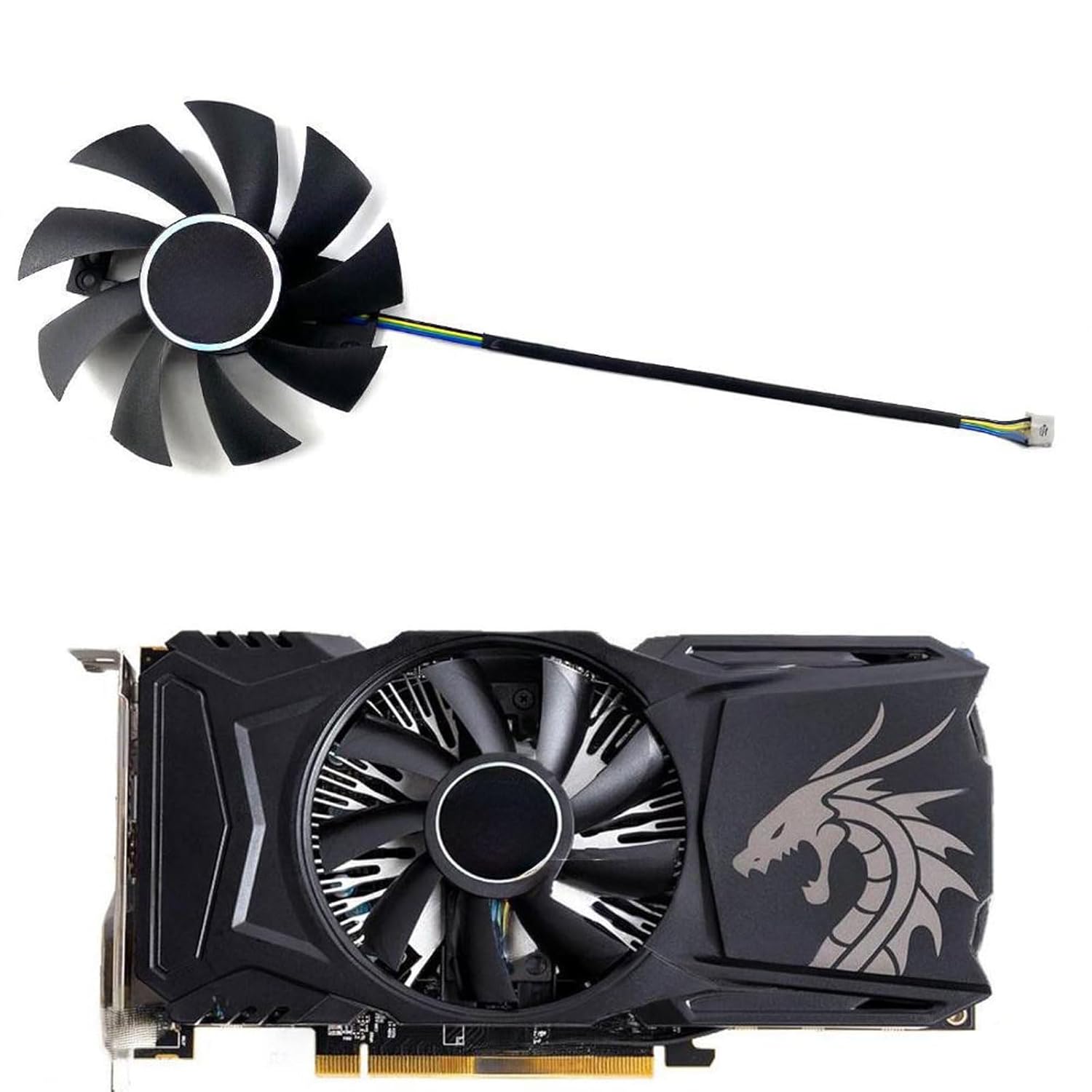
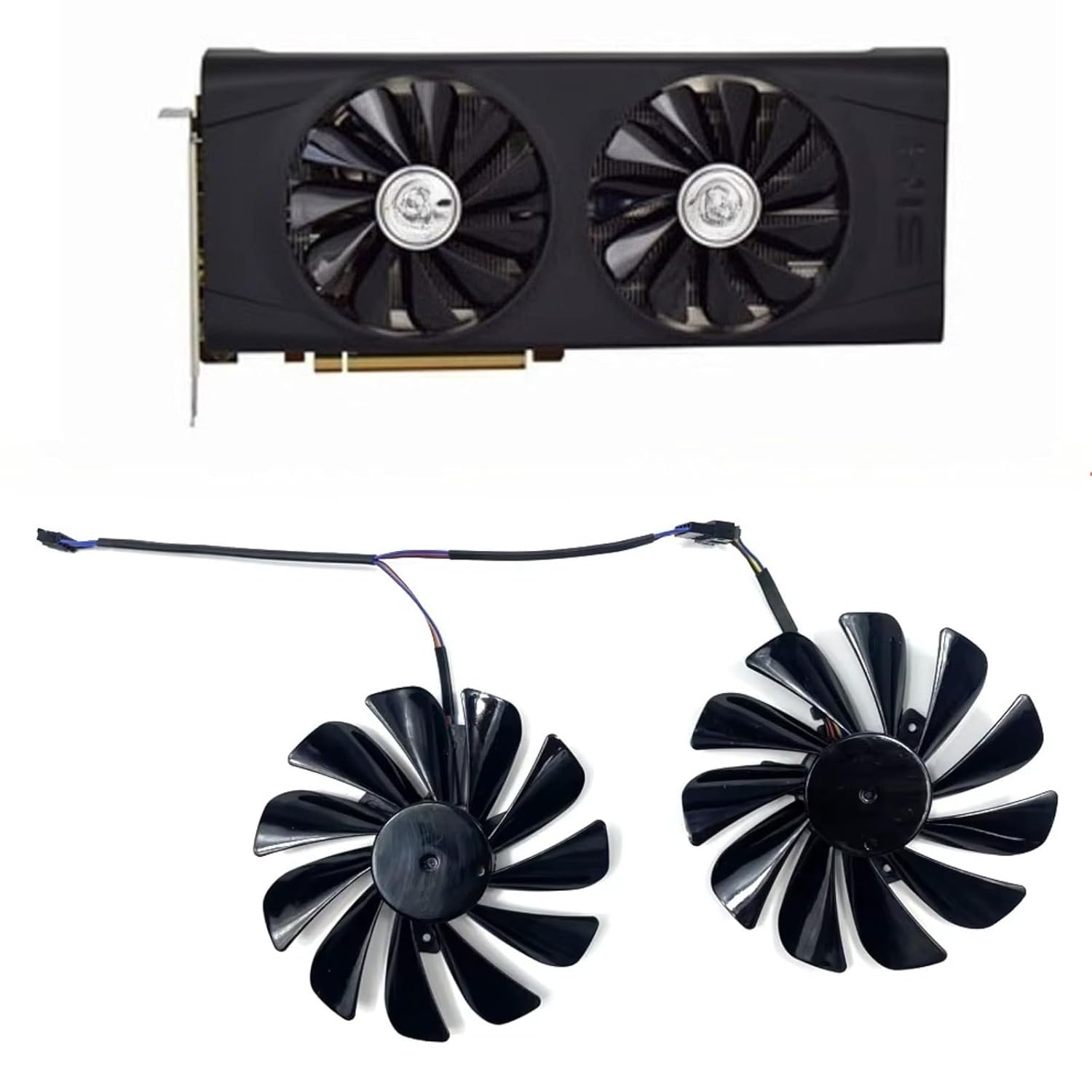
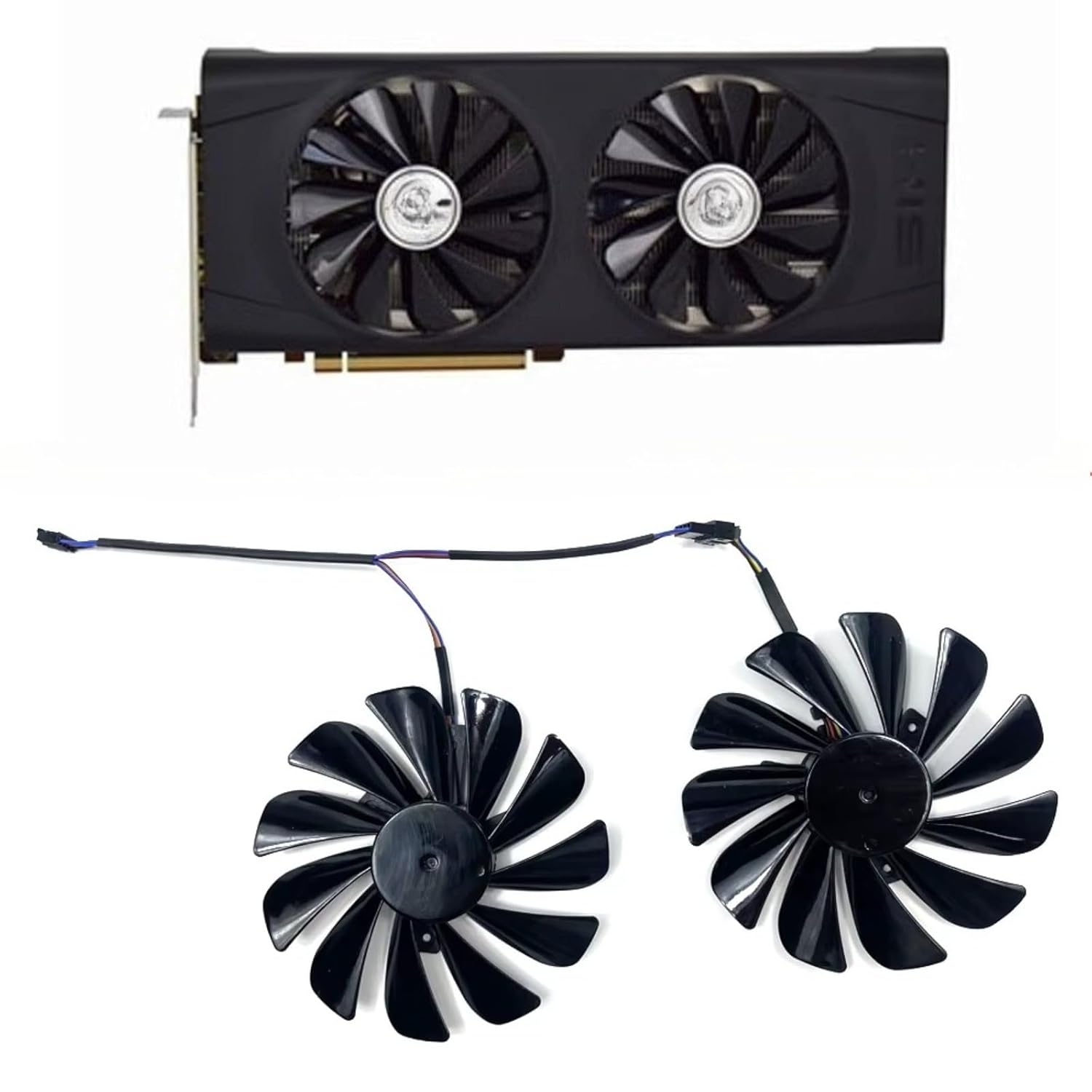
RX 550 Dual Cool
This card is a strong contender for the absolute lowest budget, priced at just $8.99. It's suitable for basic office setups that require a dedicated GPU for display output or to offload some basic video decoding from the CPU. The Radeon RX 550 chipset provides adequate performance for multiple monitors and general desktop use.
- Strengths: Extremely low price ($8.99), provides dedicated display outputs, low power consumption.
- Caveats: Very limited gaming performance, minimal upgrade over modern integrated graphics for most office tasks.
RX 460 Slim-iCooler OC 4 GB
At $9.99, the RX 460 offers a slight step up from the RX 550, primarily due to its 4 GB of VRAM, which can be beneficial if you're running multiple high-resolution displays or doing very light image manipulation. The Radeon RX 460 chipset is a capable option for general office work.
- Strengths: Very low price ($9.99), 4 GB VRAM is good for multi-monitor setups, decent for general office tasks.
- Caveats: Performance difference from RX 550 is minor for typical office use, still not suitable for demanding applications.
RX 5700 Deluxe Edition
While the Radeon RX 5700 chipset is significantly more powerful than the RX 550 or RX 460, this specific model is priced at an incredibly low $8.99. This makes it an exceptional value for office users who might occasionally dabble in more demanding tasks like light CAD work, advanced photo editing, or even very casual gaming, without breaking the bank.
- Strengths: Excellent performance for the price ($8.99), capable of handling more demanding office applications, good for multi-monitor setups.
- Caveats: Potentially higher power consumption than the RX 550/460, may be overkill for basic office use.
RX 5700 XT PINK ARMY / RX 5700 XT PINK ARMY OC
Both RX 5700 XT models are priced at $14.99 and offer the highest performance in this selection. The Radeon RX 5700 XT chipset is a powerful GPU, far exceeding the requirements for standard office work. These cards are best suited for users who need significant GPU acceleration for professional applications like video editing, 3D modeling, or data visualization, where a dedicated powerful GPU can genuinely improve workflow. The 'OC' version might offer a marginal performance boost, but it's unlikely to be noticeable in office applications.
Last updated May 1, 2026