Smart Wizard
Get a complete build plan based on budget and goals.
Build Comparison
Compare complete builds side by side.
Part Comparison
Check specs, price, and value across parts.
Bottleneck Calculator
Measure CPU and GPU balance before you buy.
Power Calculator
Estimate wattage and PSU headroom.
Will It Run?
Test your hardware against popular games.
Theme
BudgetGaming
Best Budget Keyboards for Gaming (Under $11)
This guide focuses on the absolute entry-level keyboards, all priced under $11. These options are suitable for gamers on an extremely tight budget who prioritize basic functionality over advanced features, mechanical switches, or customizable RGB lighting. Expect membrane keyboards with standard layouts, offering a functional but no-frills gaming experience.
Featured Picks


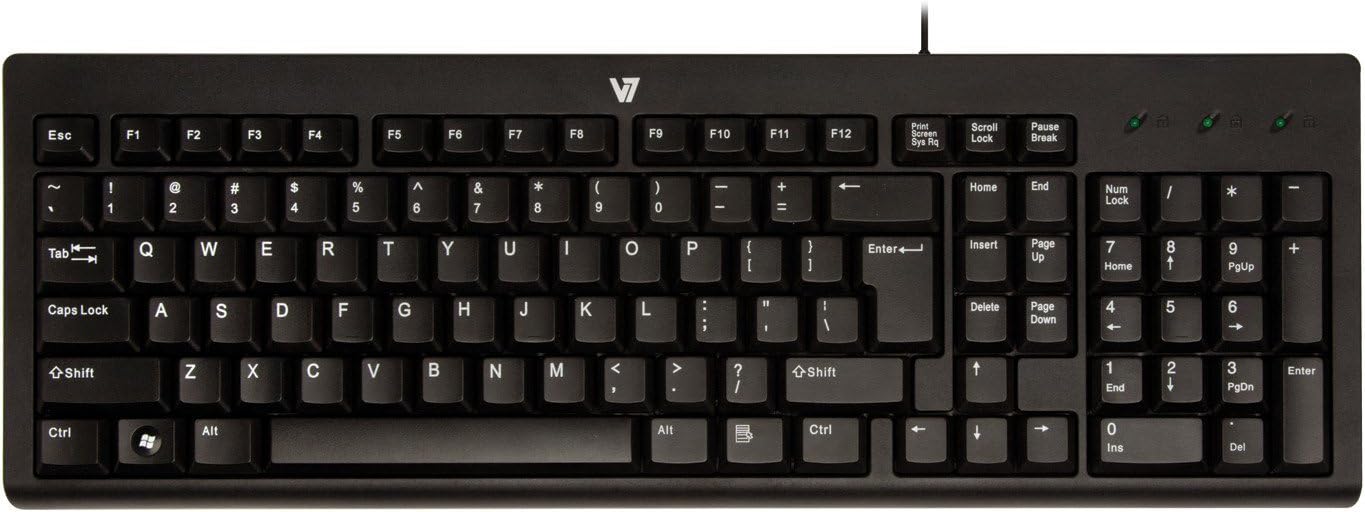
Wave Keys ($8.00)
Use-case: The Wave Keys, at just $8.00, is the most affordable option for gamers needing a functional keyboard without any additional features. It's a bare-bones solution for getting into PC gaming.
Strengths: Extremely low price point, making it accessible to any budget. Standard layout for familiarity.
Caveats: No specific gaming features (e.g., anti-ghosting, macro keys). Likely basic membrane switches with limited durability and tactile feedback.
K120 ($9.79)
Use-case: The K120 is a widely available and reliable basic keyboard, suitable for gamers who need a dependable, no-frills input device that can withstand general use alongside gaming.
Strengths: Proven durability for its price class. Spill-resistant design offers some protection against accidents. * Standard full-size layout.
Caveats: Membrane switches, not ideal for competitive gaming. No backlighting or advanced gaming features.
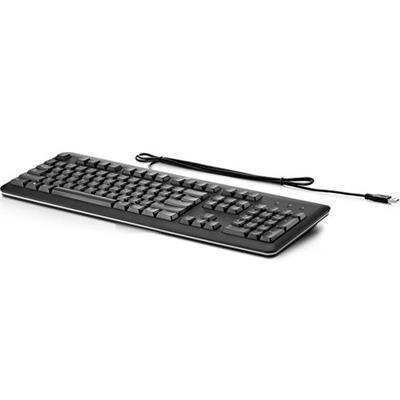
Standard USB Keyboard ($9.79)
Use-case: This generic "Standard USB Keyboard" is for users who simply need a working keyboard at the lowest possible price, without any brand preference or specific feature requirements beyond basic input.
Strengths: Very low price at $9.79. Universal USB connectivity.
Caveats: Lack of specific model information means unknown build quality and switch type. Likely basic membrane design with no gaming-specific enhancements.
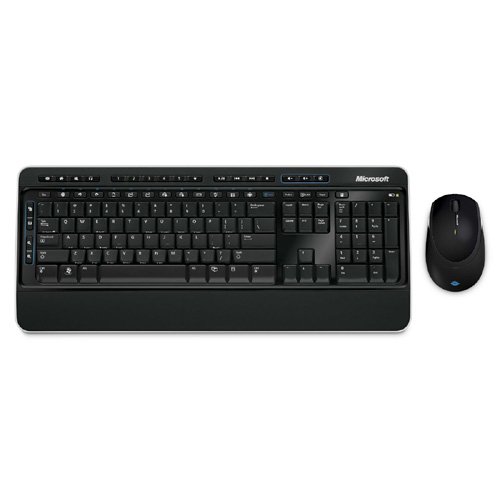
Wireless Desktop 3000 ($9.99)
Use-case: The Wireless Desktop 3000 is an option for gamers who prioritize a wireless setup and are willing to compromise on gaming-specific features for the convenience of no cables. Note that this is a desktop set, implying it includes a mouse.
Includes a mouse, offering a complete input solution for $9.99.
Last updated May 1, 2026