Smart Wizard
Get a complete build plan based on budget and goals.
Build Comparison
Compare complete builds side by side.
Part Comparison
Check specs, price, and value across parts.
Bottleneck Calculator
Measure CPU and GPU balance before you buy.
Power Calculator
Estimate wattage and PSU headroom.
Will It Run?
Test your hardware against popular games.
Theme
BudgetStreaming
Budget Keyboards for Streaming (Under $11)
This guide focuses on the absolute entry-level for keyboards, priced under $11. These options are suitable for streamers on an extremely tight budget who prioritize basic functionality over advanced features, tactile feedback, or quiet operation. They are best for those who need a functional input device without any frills, and are not concerned with keyboard acoustics or ergonomic design.
Featured Picks


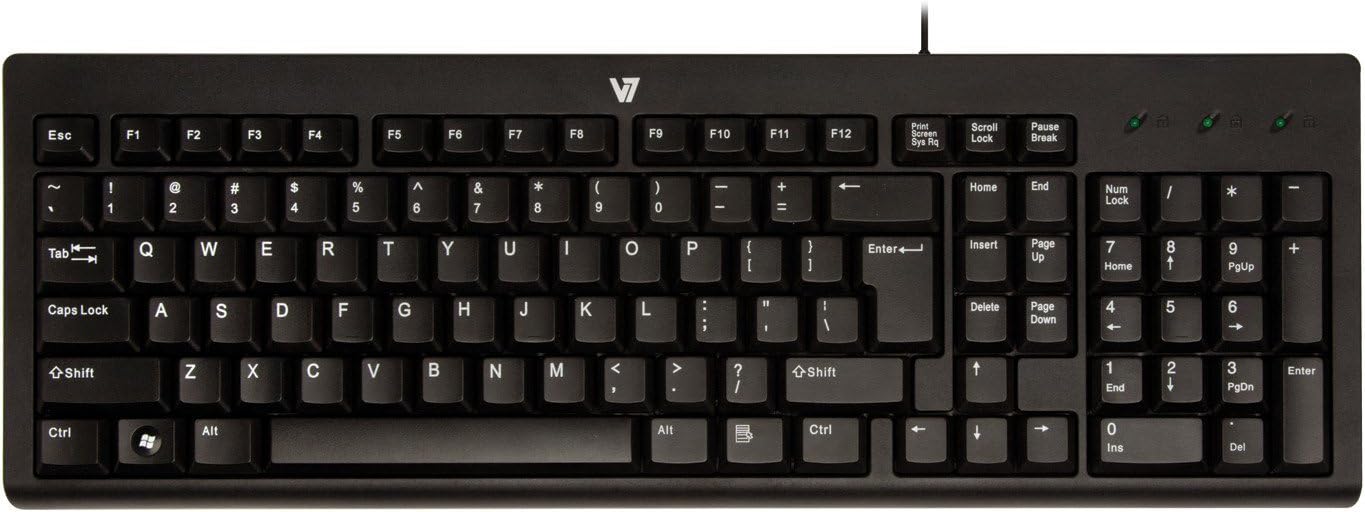
Wave Keys
Use Case: An extremely affordable option for basic typing and command input during streams.
Strengths: Lowest price point at $8.00, making it accessible for any budget. Provides fundamental keyboard functionality.
Caveats: No specific features or specifications are provided, suggesting a very basic design. Likely to have standard membrane switches, which can be loud and lack tactile feedback, potentially audible on stream.
K120
Use Case: A widely available and reliable basic keyboard for general streaming tasks.
Strengths: Priced at $9.79, it's still very budget-friendly. Known for its durability and widespread availability.
Caveats: No specific features for streaming, such as dedicated media keys or quiet switches. Standard membrane keyboard, which may not offer the best typing experience or acoustics for a live microphone.
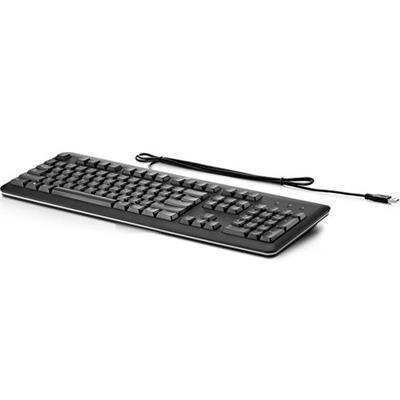
Standard USB Keyboard
Use Case: A generic, no-frills keyboard for essential input during streams.
Strengths: Competitively priced at $9.79. Offers standard USB connectivity for broad compatibility.
Caveats: The generic name suggests a lack of distinguishing features or quality assurances. Likely to be a basic membrane keyboard with no specific benefits for streaming environments.
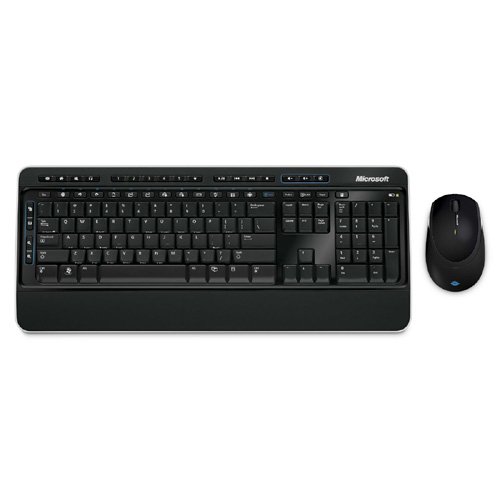
Wireless Desktop 3000
Use Case: For streamers who need a wireless solution at the lowest possible cost.
Strengths: Offers wireless connectivity for $9.99, providing flexibility in setup. Includes a full desktop set, likely with a mouse, adding value.
Requires batteries, an ongoing cost and potential point of failure during a stream. * No specific keyboard features are detailed, implying basic functionality.
Last updated May 1, 2026