Smart Wizard
Get a complete build plan based on budget and goals.
Build Comparison
Compare complete builds side by side.
Part Comparison
Check specs, price, and value across parts.
Bottleneck Calculator
Measure CPU and GPU balance before you buy.
Power Calculator
Estimate wattage and PSU headroom.
Will It Run?
Test your hardware against popular games.
Theme
BudgetWorkstation
Best Budget Keyboards for Workstation Use (2026)
This guide focuses on ultra-affordable keyboards suitable for basic workstation tasks where cost is the primary concern. These keyboards are ideal for environments needing numerous input devices without significant investment, such as call centers, educational institutions, or temporary setups. They prioritize fundamental functionality and durability over advanced features or ergonomic design.
Featured Picks


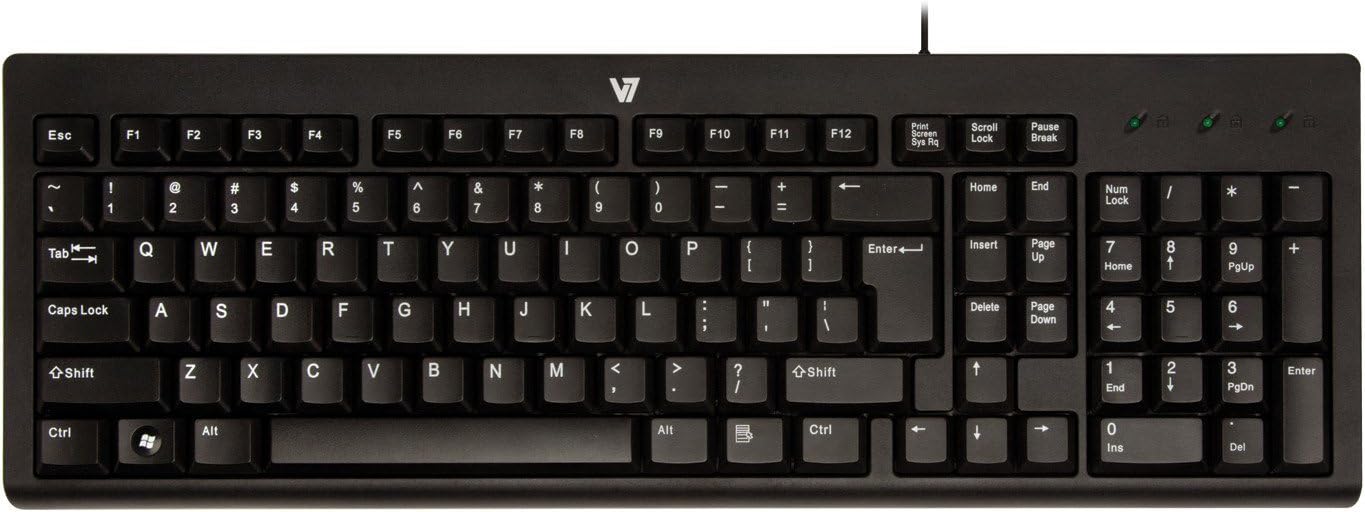
Logitech K120
The Logitech K120 is a reliable, no-frills option for general office use. Its spill-resistant design offers a practical advantage in busy environments, and the low-profile keys provide a comfortable typing experience for extended periods. At $9.79, it's a cost-effective solution.
Strengths: Durable, spill-resistant design. Comfortable low-profile keys. * Plug-and-play simplicity.
Caveats: Basic membrane switches, not ideal for tactile feedback enthusiasts. Lacks advanced features like backlighting or programmable keys.
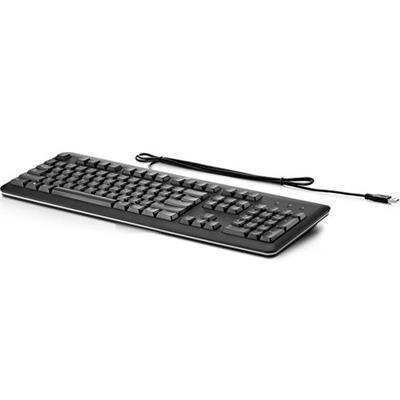
Standard USB Keyboard
At $9.79, the "Standard USB Keyboard" represents the most basic wired input device. It's a functional choice for situations where only essential typing is required and budget is the absolute top priority. Its generic nature means broad compatibility.
Strengths: Extremely low cost. Universal USB compatibility. * Simple, no-fuss operation.
Caveats: Likely basic membrane key switches with limited tactile feel. No specific features or ergonomic considerations.
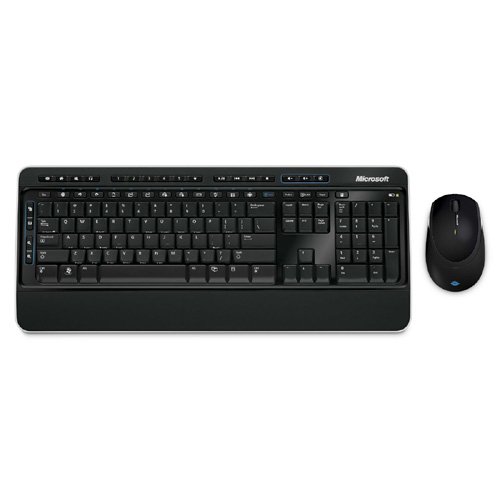
Wireless Desktop 3000
For those needing a wireless solution without breaking the bank, the "Wireless Desktop 3000" at $9.99 offers freedom from cables. This can be beneficial in shared workspaces or for reducing desk clutter. The inclusion of a mouse (implied by "Desktop") adds value.
Strengths: Wireless connectivity for a clutter-free desk. Includes a mouse, offering a complete input solution. * Competitive price point for a wireless combo.
Caveats: Requires batteries for operation. Wireless range and reliability may vary.
USB Keyboard
Similar to the "Standard USB Keyboard," this "USB Keyboard" at $10.25 is another entry-level wired option. It serves as a direct replacement or a primary input device where budget constraints are tight. Its straightforward design ensures ease of use.
Last updated May 1, 2026