Smart Wizard
Get a complete build plan based on budget and goals.
Build Comparison
Compare complete builds side by side.
Part Comparison
Check specs, price, and value across parts.
Bottleneck Calculator
Measure CPU and GPU balance before you buy.
Power Calculator
Estimate wattage and PSU headroom.
Will It Run?
Test your hardware against popular games.
Theme
BudgetOffice
Best Budget Monitors for Office Use (2026)
For office environments where basic functionality and cost-effectiveness are paramount, these budget-tier monitors offer practical solutions. They are ideal for users needing secondary displays, basic data entry, or general productivity tasks without demanding high-end visual performance or advanced features. This guide focuses on monitors priced under $20, prioritizing affordability for bulk purchases or minimal setups.
Featured Picks
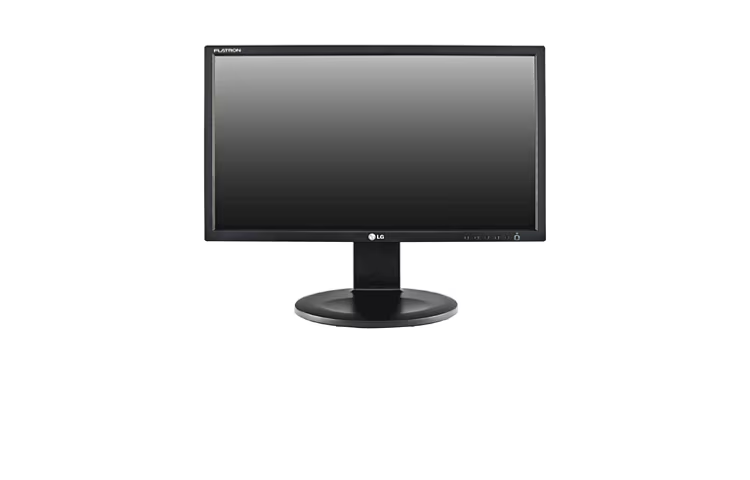
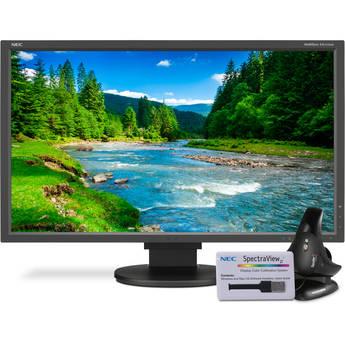
## E2711PY-BN This 27-inch monitor, priced at $9.89, is a strong contender for those needing maximum screen real estate on a tight budget. Its large size can improve multitasking by allowing more windows to be open simultaneously.
Strengths: Exceptional value at $9.89 for a 27-inch display. Large screen size is beneficial for general office productivity.
Caveats: Specific display resolution and panel type are not provided, which could impact text clarity. Likely lacks modern connectivity options or ergonomic adjustments.
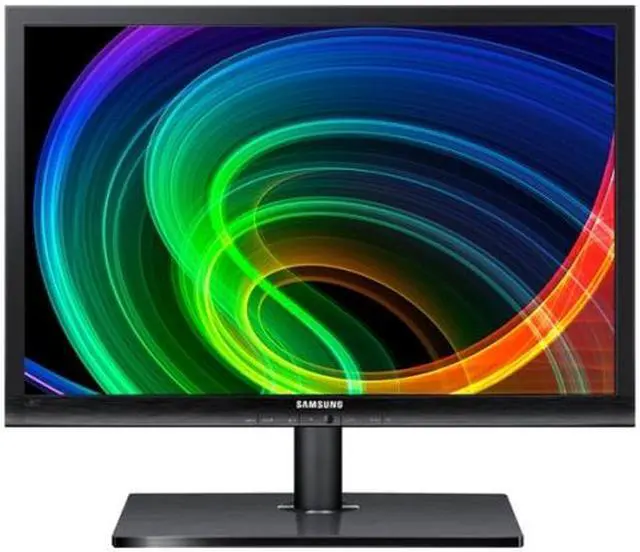
## S22A460B-1 At $13.44, the S22A460B-1 offers a 22-inch display, providing a good balance between screen size and desk footprint. This model is suitable for standard office tasks where a moderate display size is sufficient.
Strengths: Affordable 22-inch display for general use. Compact enough for smaller workstations.
Caveats: Specific display resolution and panel type are not provided. Likely basic feature set, typical for this price point.
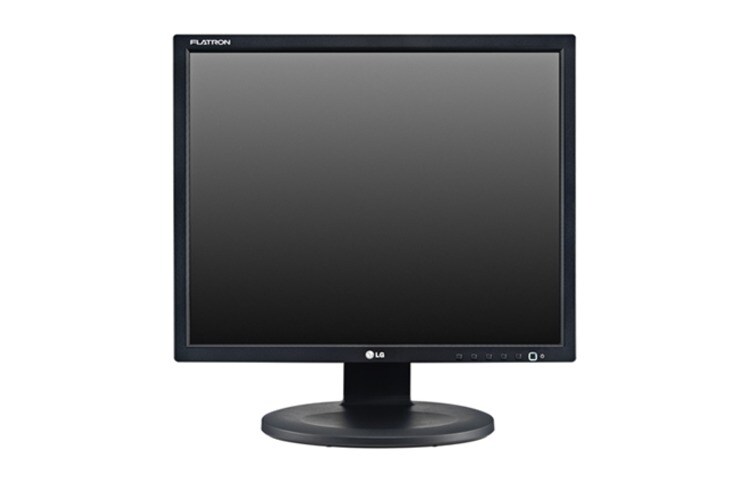
## N1910LZ-BF Priced at $14.81, the N1910LZ-BF is a 19-inch monitor, best suited for very compact spaces or as a dedicated display for specific applications like point-of-sale systems or monitoring dashboards. Its smaller size might be less ideal for extensive document work.
Strengths: Very compact footprint, suitable for limited desk space. Low price point for a functional display.
Caveats: 19-inch screen may feel cramped for multitasking. Specific display resolution and panel type are not provided.
## G246HLAbd The G246HLAbd, available for $16.98, provides a 24-inch screen, which is often considered the sweet spot for office productivity. This size offers ample space for documents and applications without being overly large.
Strengths: 24-inch screen size is ideal for most office tasks. Good balance of size and affordability.
Caveats: Specific display resolution and panel type are not provided. Likely basic stand with limited adjustability.
Last updated May 1, 2026