Smart Wizard
Get a complete build plan based on budget and goals.
Build Comparison
Compare complete builds side by side.
Part Comparison
Check specs, price, and value across parts.
Bottleneck Calculator
Measure CPU and GPU balance before you buy.
Power Calculator
Estimate wattage and PSU headroom.
Will It Run?
Test your hardware against popular games.
Smart Wizard
Get a complete build plan based on budget and goals.
Build Comparison
Compare complete builds side by side.
Part Comparison
Check specs, price, and value across parts.
Bottleneck Calculator
Measure CPU and GPU balance before you buy.
Power Calculator
Estimate wattage and PSU headroom.
Will It Run?
Test your hardware against popular games.
Smart Wizard
Get a complete build plan based on budget and goals.
Build Comparison
Compare complete builds side by side.
Part Comparison
Check specs, price, and value across parts.
Bottleneck Calculator
Measure CPU and GPU balance before you buy.
Power Calculator
Estimate wattage and PSU headroom.
Will It Run?
Test your hardware against popular games.
This guide focuses on high-tier monitors suitable for demanding workstation environments, where color accuracy, resolution, and panel quality are paramount. These displays are ideal for professionals in graphic design, video editing, CAD, and software development who require reliable performance and a premium visual experience without venturing into ultra-luxury price points. Expect to find features that enhance productivity and reduce eye strain during long working hours.
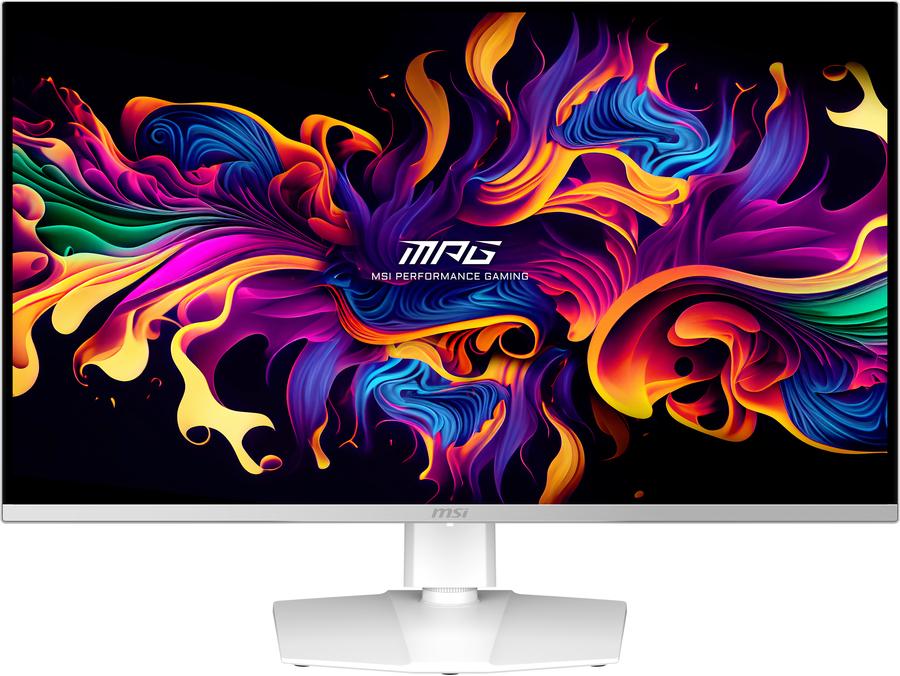
This monitor is best suited for professionals who prioritize exceptional contrast, vibrant colors, and deep blacks, particularly in tasks involving visual content creation or analysis where OLED's strengths are most apparent.
Strengths: QD-OLED Panel: Offers unparalleled contrast ratios and true blacks, making it excellent for color-critical work and HDR content. 32-inch Size: Provides ample screen real estate for multitasking and detailed work, reducing the need for multiple monitors. Competitive Price:* At $529.99, it offers QD-OLED technology at a price point that is accessible for a high-tier workstation display.
Caveats: Potential Burn-in Risk: While modern OLEDs have protections, static elements on screen for extended periods (common in workstation use) still carry a theoretical risk of burn-in. Brightness for SDR: QD-OLEDs can sometimes be less bright in full-screen SDR content compared to high-end IPS panels, which might be a factor in very brightly lit environments.
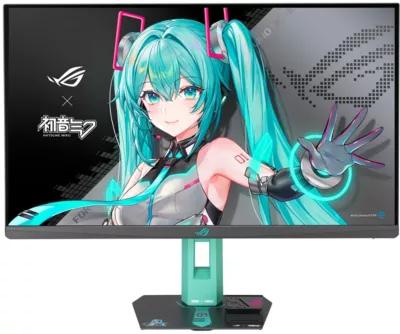
This monitor is a niche option for users who appreciate unique aesthetics alongside solid performance, particularly those who are fans of the Hatsune Miku franchise. Its core specifications likely align with general high-performance gaming monitors, which can translate to good workstation use.
Strengths: Unique Aesthetic: The Hatsune Miku branding offers a distinct look not found in typical workstation monitors. Likely High Refresh Rate: While specific specs aren't provided, 'Gaming' and 'Hatsune Miku Edition' suggest a high refresh rate, which can lead to smoother cursor movement and less eye strain. 27-inch Size:* A common and comfortable size for many workstation setups, offering a good balance between screen real estate and desk space.
Caveats: Price Premium for Aesthetics: At $529.00, a portion of the cost is likely attributed to the special edition branding rather than purely performance-driven features. Unknown Core Specs: Without specific panel type, resolution, and color accuracy data, it's difficult to fully assess its suitability for color-critical workstation tasks.
Last updated May 1, 2026
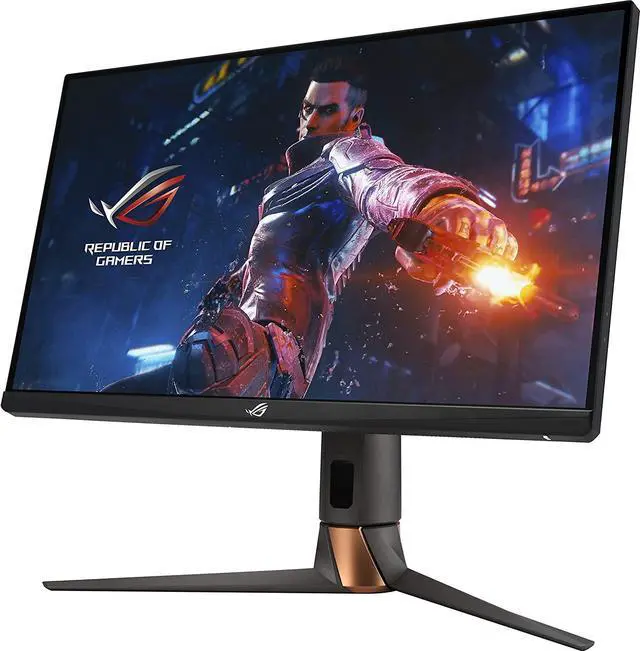
This display is well-suited for professionals who require a highly responsive and smooth visual experience, often found in hybrid work environments where some gaming or high-refresh-rate content consumption might occur alongside professional tasks.
Strengths: High Refresh Rate (Implied): As part of the ROG Swift line, it's expected to have a high refresh rate, beneficial for smooth motion and potentially reducing eye strain. G-SYNC Module (Implied): ROG Swift monitors often feature dedicated G-SYNC modules, ensuring tear-free and stutter-free visuals, which can be advantageous even in non-gaming applications. 27-inch Size:* A versatile size for various professional applications.
Caveats: Gaming Focus: While capable for workstations, its primary design might lean towards gaming, potentially meaning less emphasis on features like extensive color calibration options or specific workstation-centric inputs. Price for Gaming Features: At $509.00, some of the cost may be for gaming-specific features that are not strictly necessary for all workstation users.
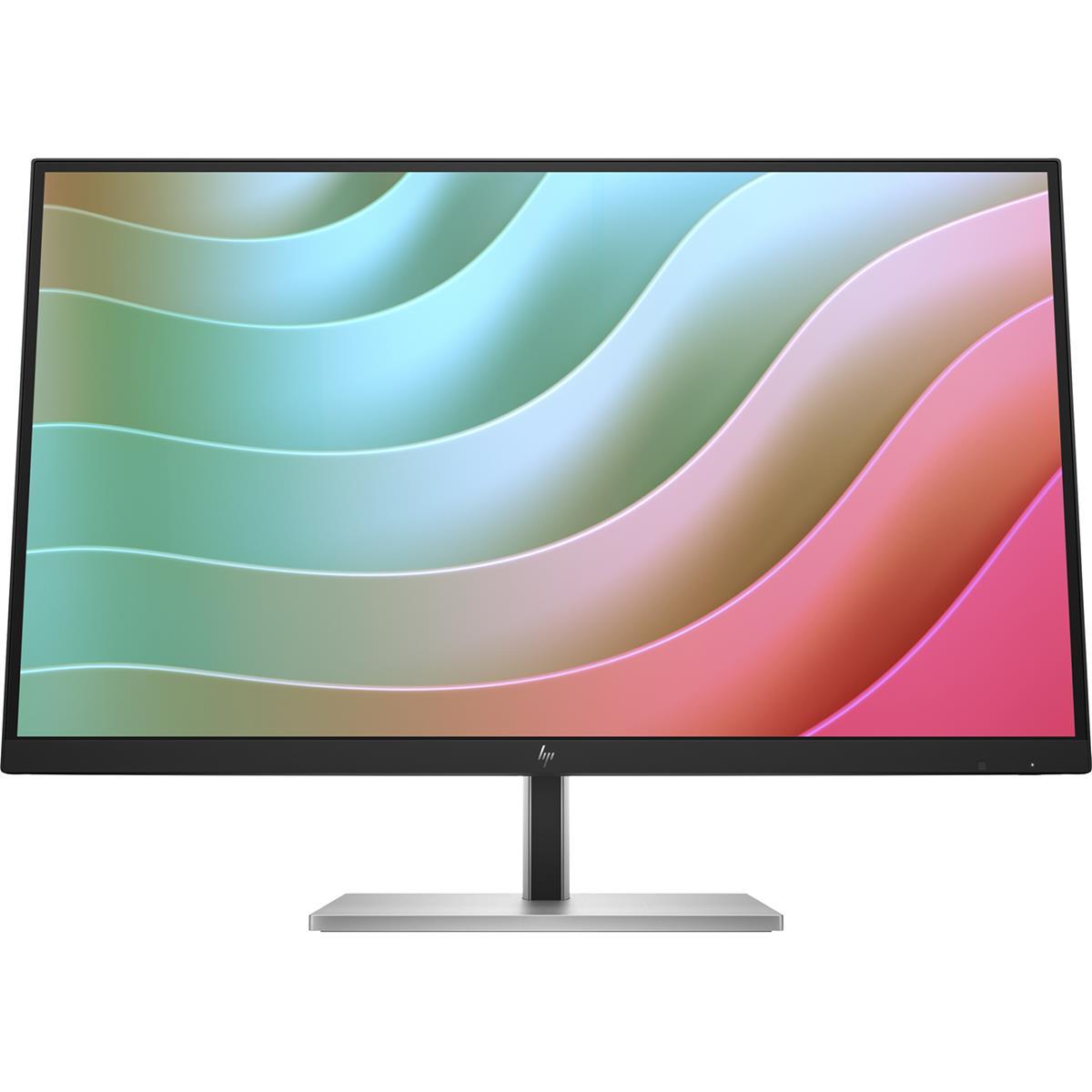
This monitor is likely a strong contender for general office and productivity tasks, offering a balanced set of features for everyday professional use without unnecessary frills.
Strengths: Balanced Performance (Implied): The 'E' series often denotes enterprise or essential models, suggesting a focus on reliability and core workstation features. 27-inch Size: A standard and productive size for most office environments. Competitive Price:* At $504.00, it's positioned as a cost-effective option within this high-tier segment.
Caveats: Unknown Specifics: Without detailed specifications, it's hard to ascertain its exact panel type, resolution, and color gamut, which are crucial for specialized workstation tasks. Potentially Fewer Premium Features: Being an 'essential' model, it might lack some of the advanced features like high refresh rates, wide color gamuts, or advanced ergonomic stands found in more specialized displays.
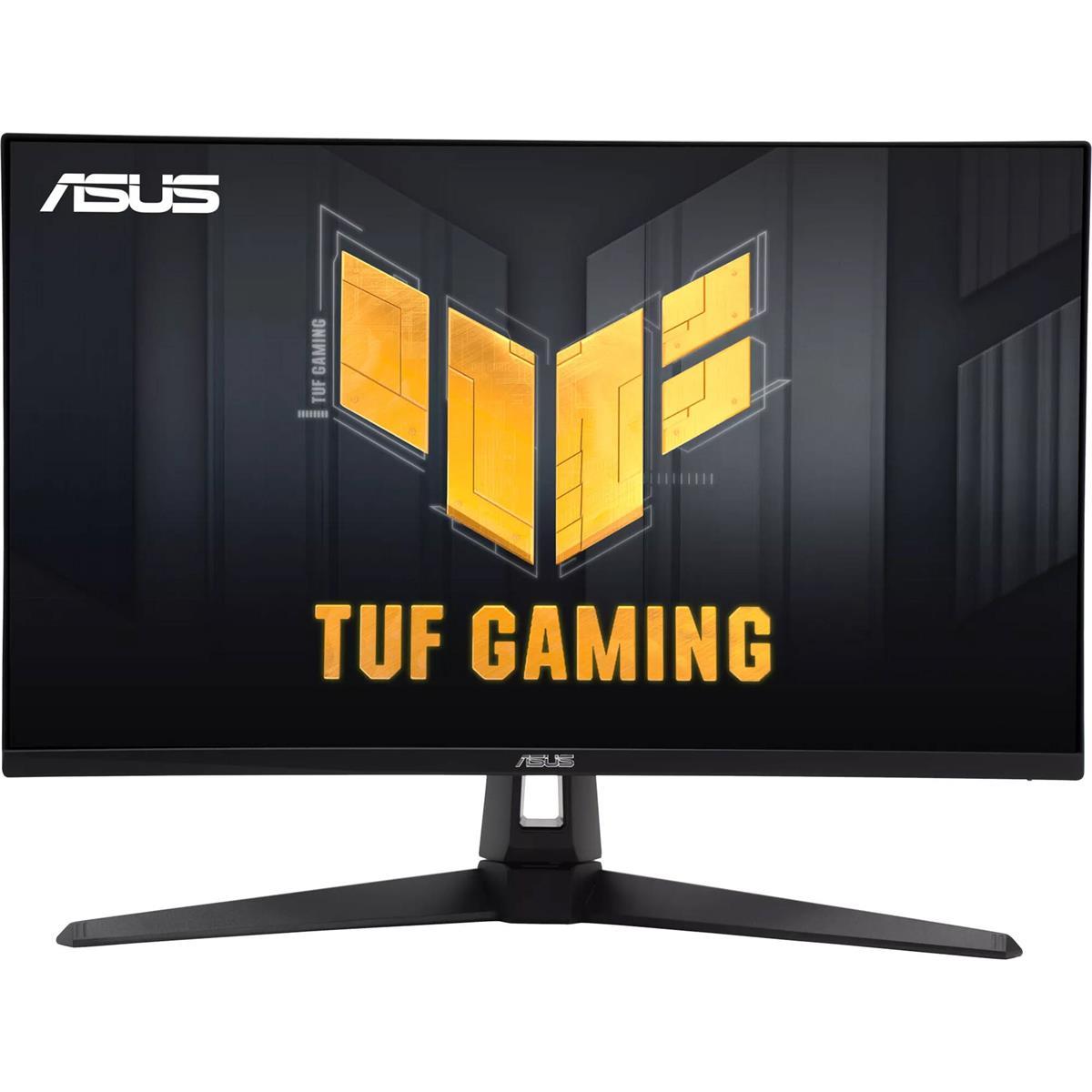
This monitor is best for workstation users who also engage in competitive gaming or demand extremely fluid visuals. Its gaming-centric features can translate into a very responsive and smooth experience for general computing.
Strengths: High Refresh Rate (Implied): As a 'TUF Gaming' monitor, it will undoubtedly offer a very high refresh rate, providing exceptional smoothness for all desktop interactions. Fast Response Times (Implied): Gaming monitors prioritize low response times, which can prevent ghosting and blur, even in fast-moving workstation applications. Affordable for High Refresh:* At $503.46, it's the most budget-friendly option in this selection while still offering high-performance characteristics.
Caveats: Gaming-Oriented Panel: The panel might be optimized for speed over absolute color accuracy or wide viewing angles, which could be a compromise for color-critical work. Potentially Basic Ergonomics: TUF Gaming monitors sometimes have less advanced ergonomic stands compared to dedicated professional displays.
Decision Helper: For the best visual fidelity and color accuracy, the MPG 321URXW QD-OLED is the clear frontrunner due to its QD-OLED panel. If a balance of smooth performance and a unique aesthetic is desired, the XG27ACMEG-G Hatsune Miku Edition could be considered, though its core specs are unknown. For a robust, high-refresh-rate experience that also caters to gaming, the ROG Swift PG279QM or TUF Gaming VG279QM1A are strong choices, with the TUF being more budget-friendly. The E27k G5 remains an unknown quantity without detailed specifications but is likely a solid, no-frills option for general office work.