Smart Wizard
Get a complete build plan based on budget and goals.
Build Comparison
Compare complete builds side by side.
Part Comparison
Check specs, price, and value across parts.
Bottleneck Calculator
Measure CPU and GPU balance before you buy.
Power Calculator
Estimate wattage and PSU headroom.
Will It Run?
Test your hardware against popular games.
Theme
Mid-TierGaming
Mid-Tier Gaming Monitors: A Buyer's Guide
Mid-tier gaming monitors, typically priced around $250-$300, offer a balanced experience for gamers who want more than entry-level performance without the premium cost of high-end displays. This segment is ideal for users building a capable gaming PC on a budget or upgrading from an older, less responsive monitor, providing a noticeable improvement in refresh rates and visual clarity for a wide range of games.
Featured Picks
Choosing a mid-tier gaming monitor requires careful consideration, as specifications can vary significantly even within a narrow price band. Without detailed specifications for the listed models, a definitive recommendation is challenging. However, we can outline what to look for and how these monitors might fit different use cases.
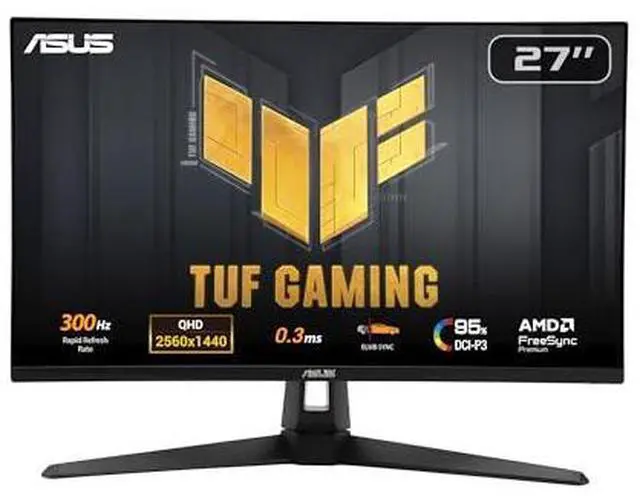
TUF Gaming VG27AQM5A ($257.99)
Assuming this model follows the TUF Gaming line's reputation, it's likely designed with core gaming features in mind. This monitor would be suitable for competitive gamers on a budget.
- Strengths: Likely offers a high refresh rate (e.g., 144Hz or higher) and a fast response time, crucial for fluid gameplay. Expect adaptive sync support (FreeSync/G-Sync Compatible) for tear-free visuals.
- Caveats: Without specific panel type (IPS, VA, TN) or resolution, image quality and viewing angles are unknown. The focus might be purely on performance over color accuracy.
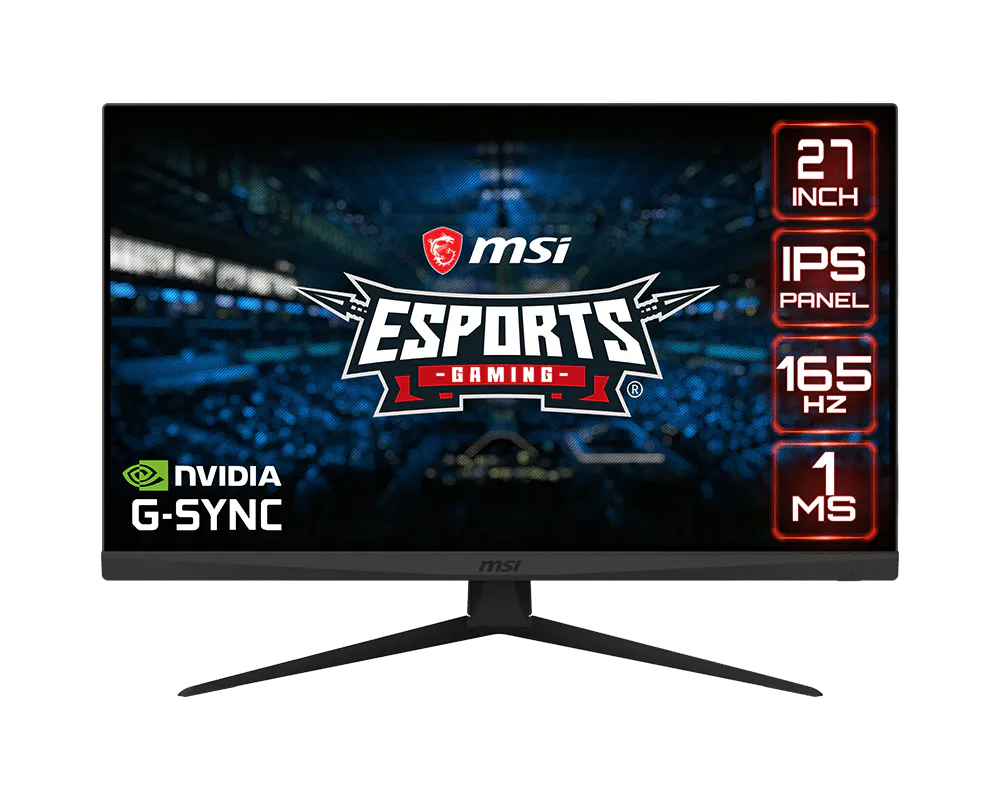
Optix G273 ($258.88)
MSI's Optix series often targets gamers, suggesting this model would prioritize gaming performance. It's a strong contender for general gaming use.
- Strengths: Expected to feature a high refresh rate and low response time, common for gaming monitors in this price range. Likely includes gaming-centric features like a crosshair overlay or black equalizer.
- Caveats: Similar to the TUF Gaming model, specific panel technology, resolution, and color gamut are unknown, making it difficult to assess its suitability for tasks beyond gaming.
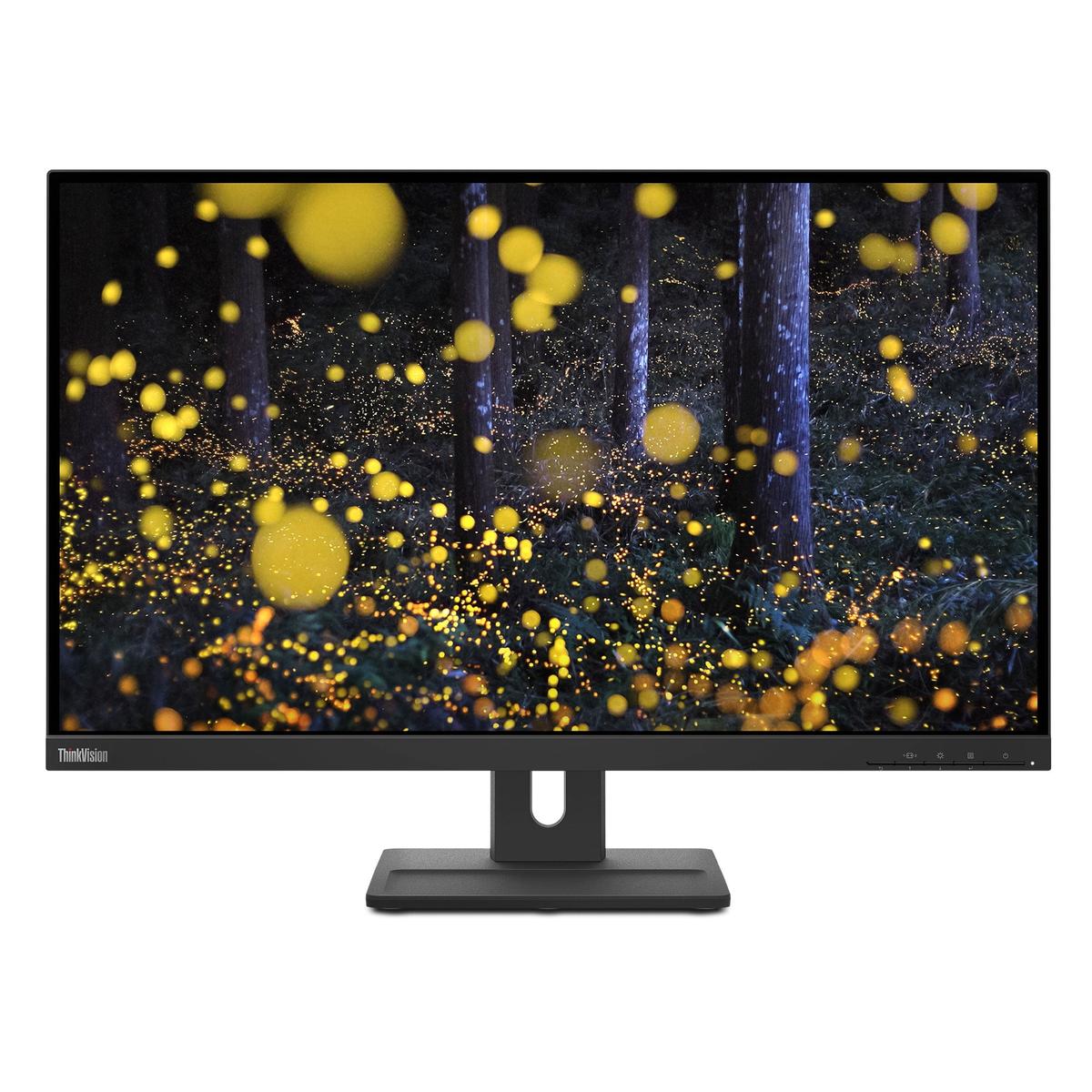
ThinkVision E27q-20 ($253.99)
ThinkVision monitors are typically geared towards business and productivity. While affordable, its gaming capabilities are likely secondary.
- Strengths: Often feature good ergonomics and reliable build quality. Might offer a higher resolution (e.g., QHD) for productivity tasks at a competitive price.
- Caveats: Unlikely to have a high refresh rate or fast response time, making it less ideal for fast-paced gaming. Gaming features like adaptive sync are probably absent.
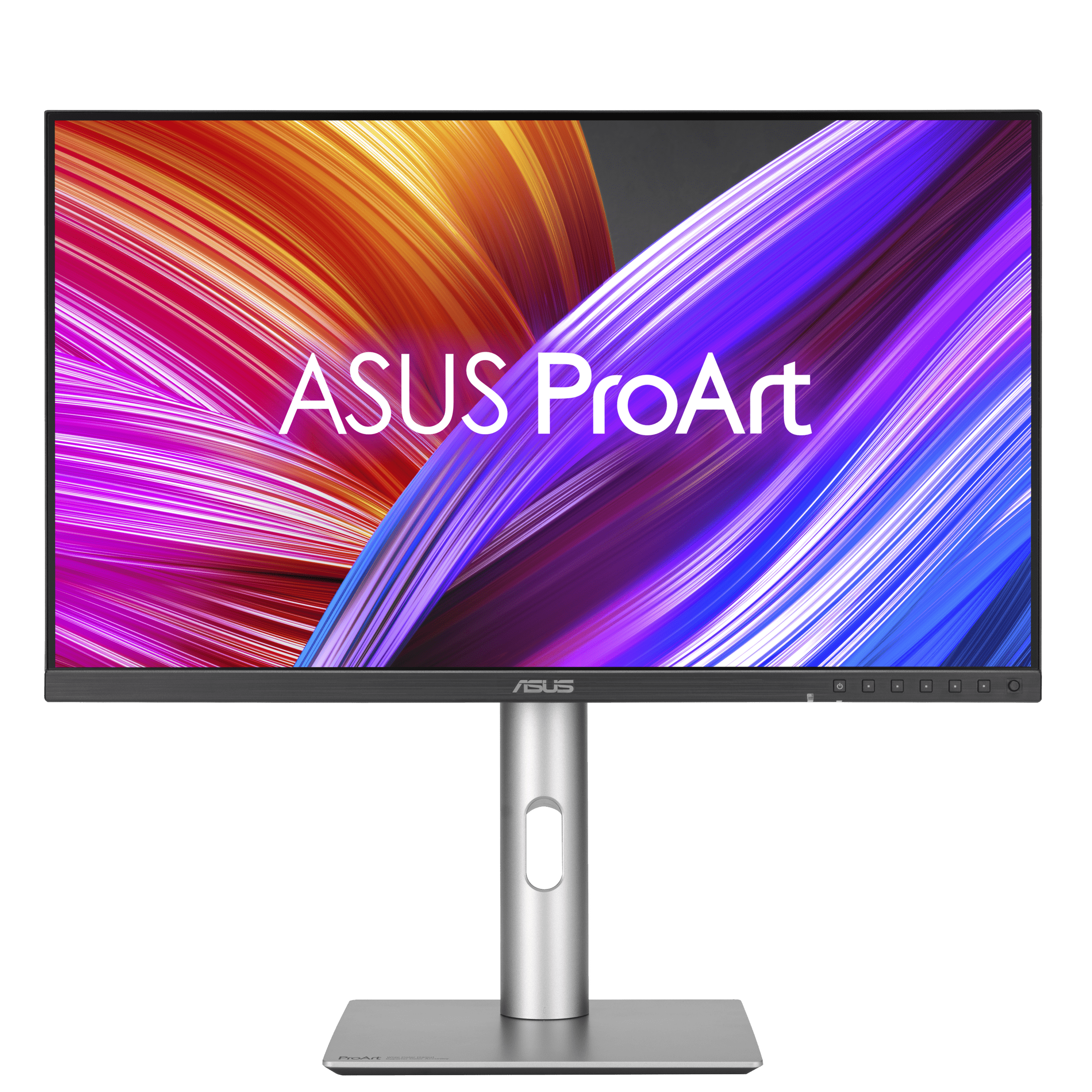
ProArt Display PA24ACRV ($256.29)
Last updated May 1, 2026