Smart Wizard
Get a complete build plan based on budget and goals.
Build Comparison
Compare complete builds side by side.
Part Comparison
Check specs, price, and value across parts.
Bottleneck Calculator
Measure CPU and GPU balance before you buy.
Power Calculator
Estimate wattage and PSU headroom.
Will It Run?
Test your hardware against popular games.
Theme
Mid-TierGeneral Use
Mid-Tier Monitors for General Use: 2026 Buyer's Guide
Mid-tier monitors, typically priced around $250-$300, offer a significant upgrade over budget options without the premium cost of high-end displays. This category is ideal for users seeking a balanced experience for everyday tasks, office work, and casual media consumption, providing improved resolution, color accuracy, and ergonomic features that enhance productivity and viewing comfort.
Featured Picks
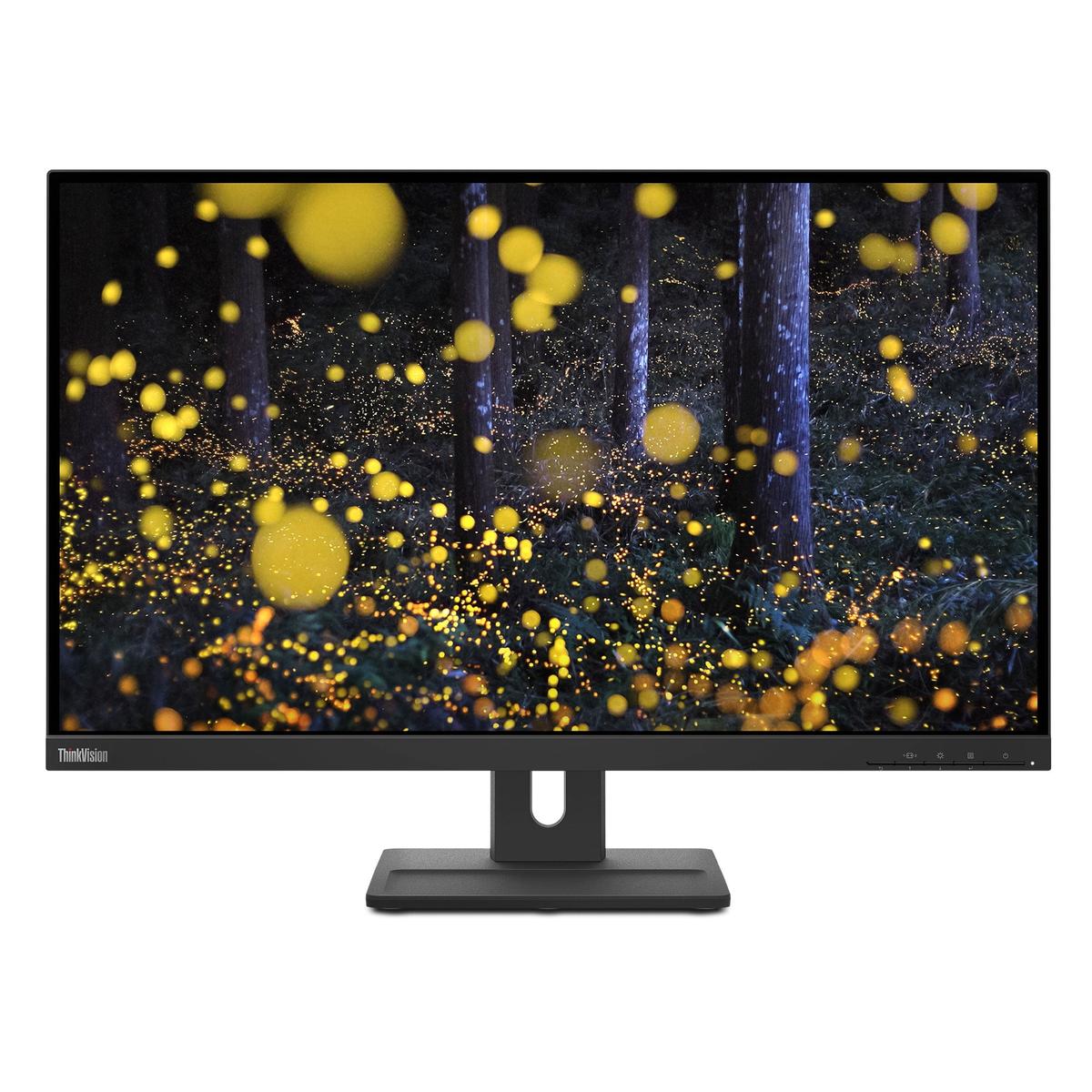
ThinkVision E27q-20
The ThinkVision E27q-20 is a strong contender for users prioritizing a larger screen size for productivity. Its 27-inch display offers ample screen real estate for multitasking.
- Strengths: Larger 27-inch screen for enhanced workspace. Likely includes ergonomic adjustments typical of business-oriented monitors.
- Caveats: Specific resolution and panel type are not provided, which could impact image clarity and color performance. Priced at $253.99, it's competitive but without full specs, its value is harder to assess.
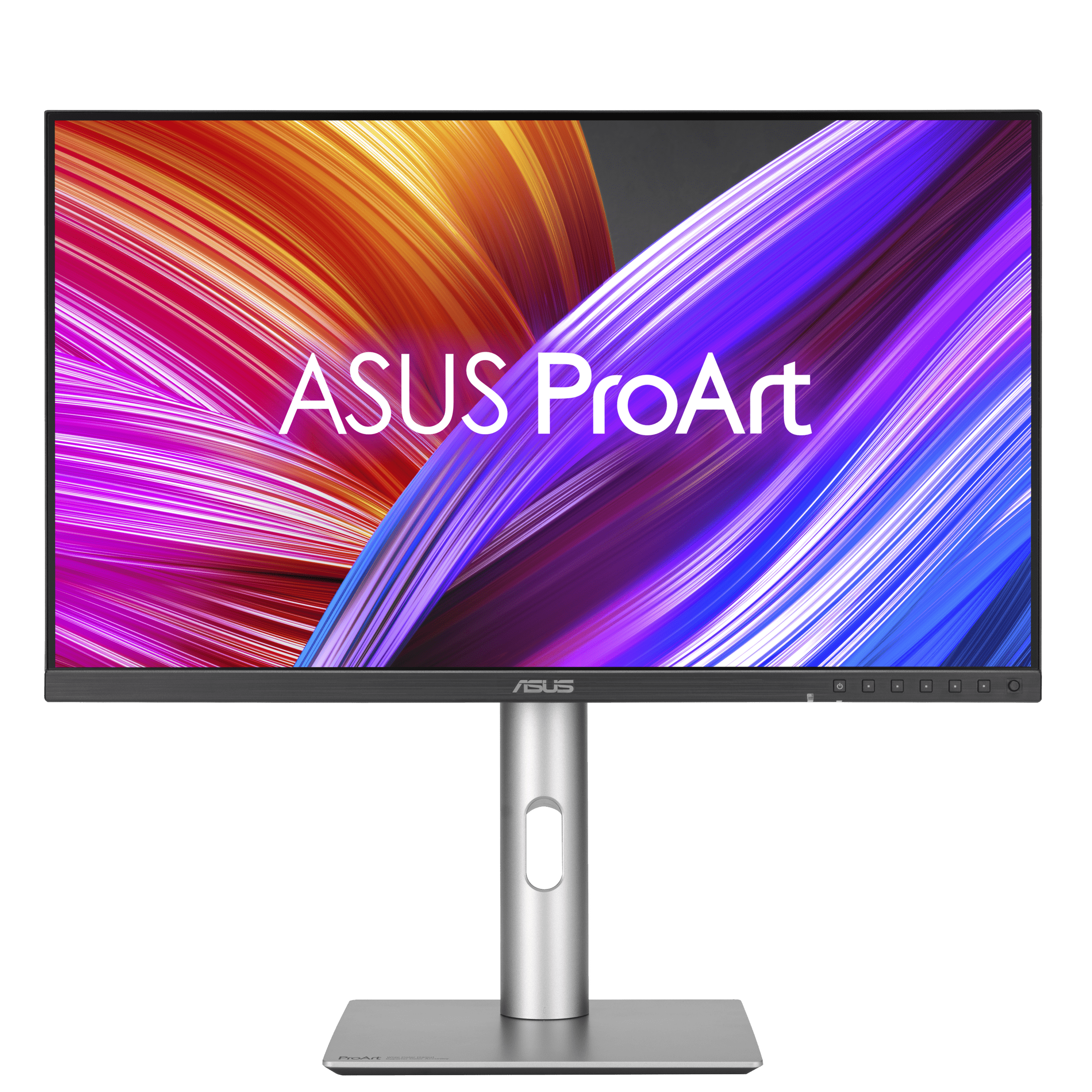
ProArt Display PA24ACRV
The ProArt Display PA24ACRV is designed for creative professionals or users who demand accurate color reproduction. Its "ProArt" branding suggests a focus on color fidelity.
- Strengths: Likely features excellent color accuracy and calibration, crucial for graphic design or photo editing. Compact 24-inch size might be preferred for smaller desks.
- Caveats: At $256.29, it's on the higher end of this selection. Without specific resolution or refresh rate, its suitability for general use beyond color-critical tasks is unknown.
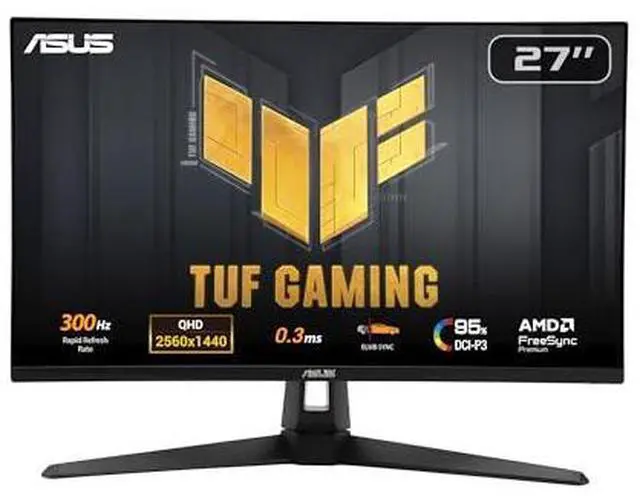
TUF Gaming VG27AQM5A
The TUF Gaming VG27AQM5A is geared towards users who mix general use with casual gaming. Its "TUF Gaming" designation implies gaming-centric features.
- Strengths: Likely offers a higher refresh rate and faster response time than non-gaming monitors, providing a smoother experience in games. 27-inch screen offers immersive gaming.
- Caveats: Gaming features might come at the expense of color accuracy or viewing angles compared to productivity-focused displays. Priced at $257.99, it's the second most expensive.
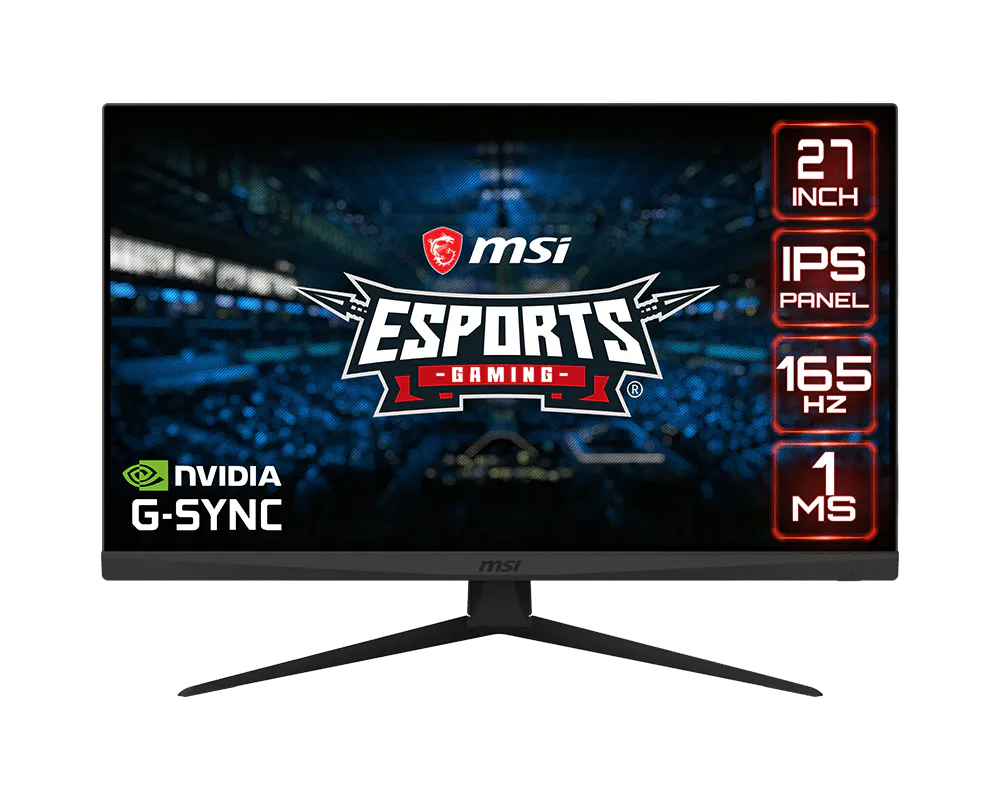
Optix G273
The Optix G273 is another gaming-oriented option, likely offering a good balance for users who game occasionally but primarily use their monitor for general tasks.
- Strengths: Expected to have a high refresh rate and low response time, beneficial for gaming. The 27-inch size is a popular choice for both gaming and productivity.
Last updated May 1, 2026