Smart Wizard
Get a complete build plan based on budget and goals.
Build Comparison
Compare complete builds side by side.
Part Comparison
Check specs, price, and value across parts.
Bottleneck Calculator
Measure CPU and GPU balance before you buy.
Power Calculator
Estimate wattage and PSU headroom.
Will It Run?
Test your hardware against popular games.
Theme
Mid-TierStreaming
Mid-Tier Streaming Monitors: 2026 Buyer's Guide
Mid-tier monitors for streaming, typically priced around $250-$300, offer a significant upgrade over basic office displays without the premium cost of high-end professional or gaming panels. This segment is ideal for aspiring streamers, content creators on a budget, or anyone looking for a capable secondary monitor that can handle both productivity and engaging visual content. Expect a good balance of resolution, color accuracy, and refresh rates suitable for most streaming setups.
Featured Picks
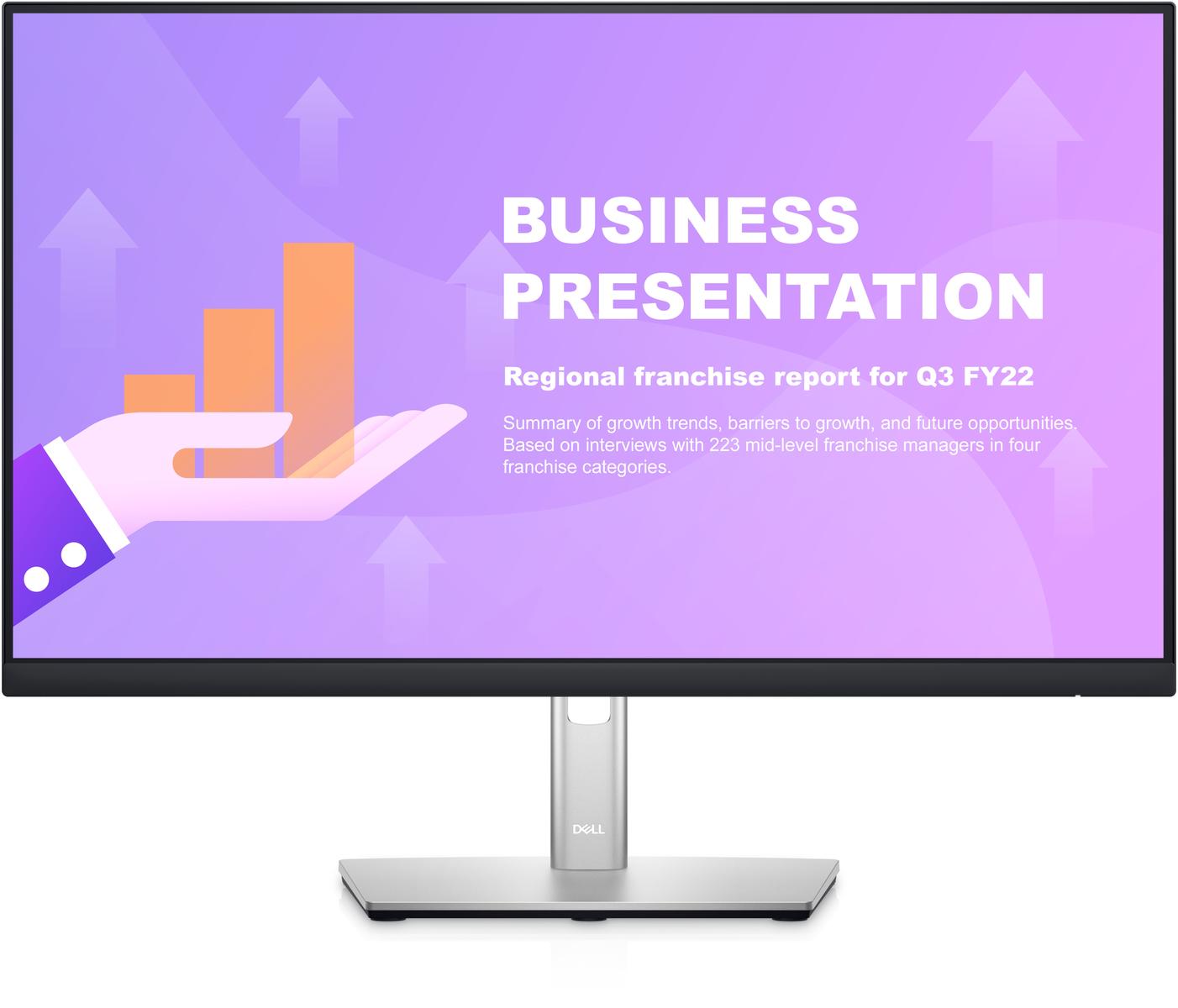
Choosing a monitor for streaming involves balancing visual quality for your audience with your budget. This guide focuses on mid-tier options that provide a solid foundation for content creation.
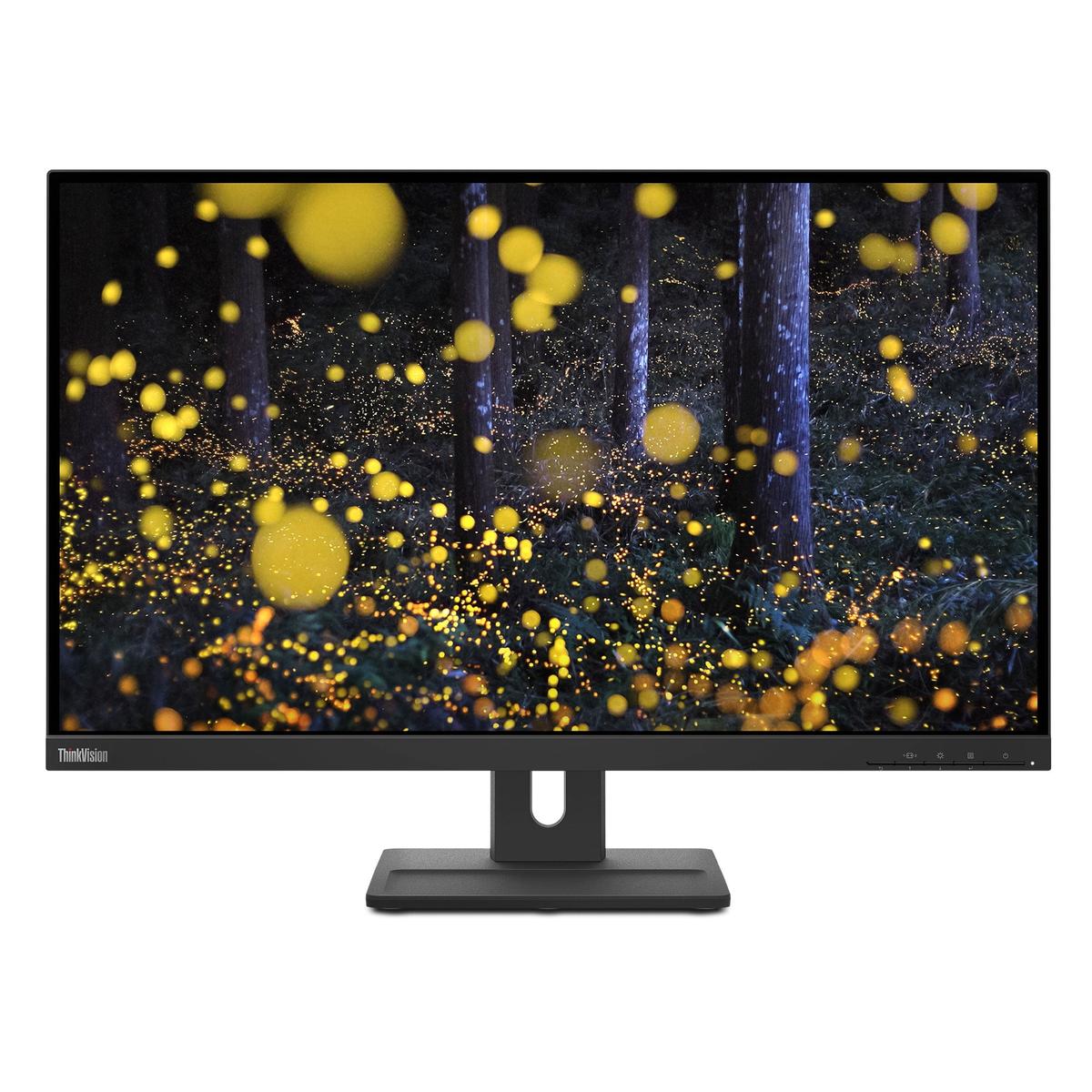
ThinkVision E27q-20
The ThinkVision E27q-20, priced at $253.99, is a strong contender for streamers prioritizing a larger screen size and a professional aesthetic. Its 27-inch panel offers ample screen real estate for managing streaming software, chat, and game windows simultaneously.
- Strengths: Larger 27-inch display for multitasking, generally good for productivity and professional environments.
- Caveats: Specific streaming-centric features like high refresh rates or advanced color calibration might be absent at this price point.
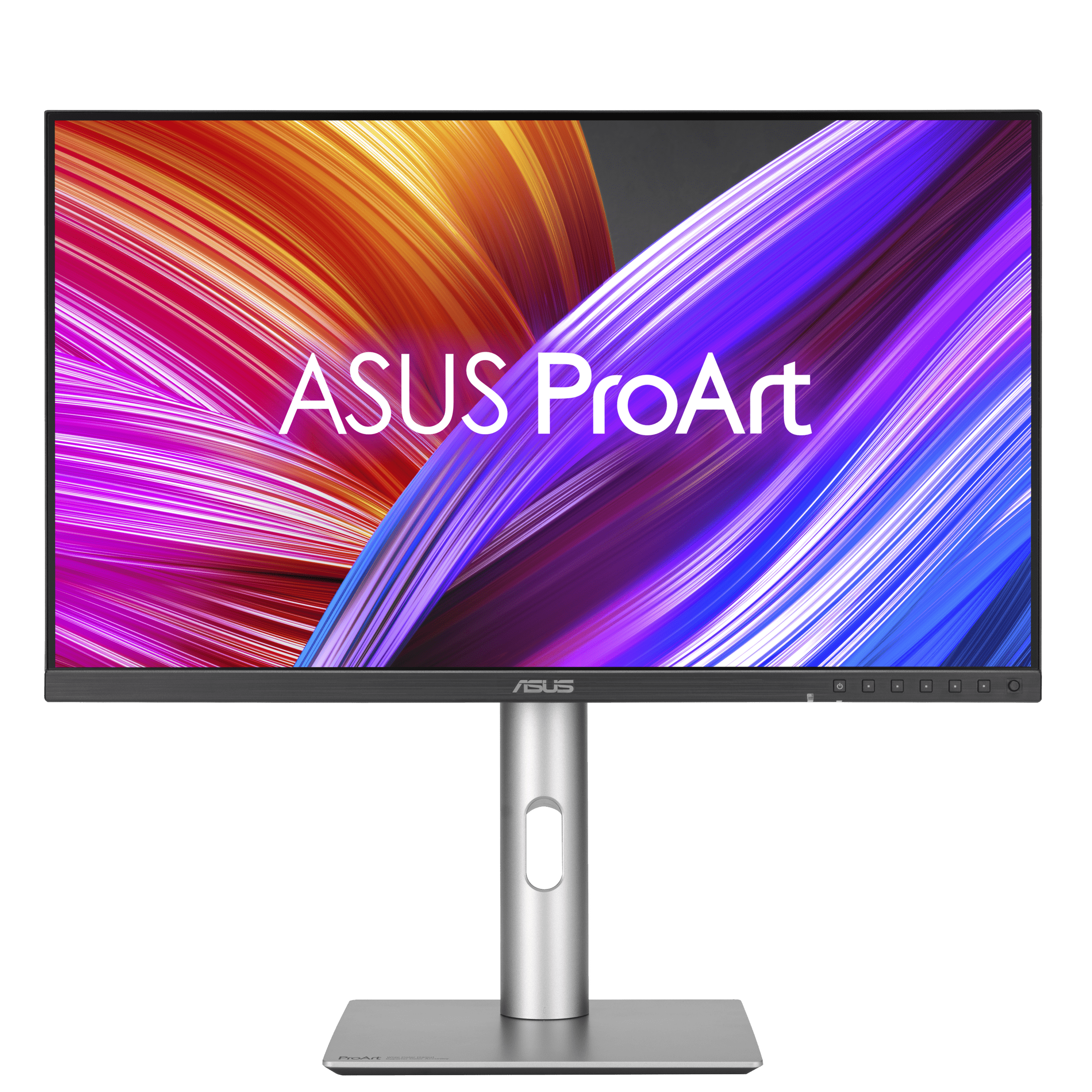
ProArt Display PA24ACRV
At $256.29, the ProArt Display PA24ACRV is designed for creators who need accurate color reproduction. This monitor is particularly well-suited for streamers who also engage in video editing, graphic design, or photography, where color fidelity is critical for their output.
- Strengths: Focus on color accuracy, beneficial for content creation and ensuring your stream looks as intended.
- Caveats: The 24-inch size might feel restrictive for some users compared to 27-inch options, and its refresh rate might not be optimized for fast-paced gaming.
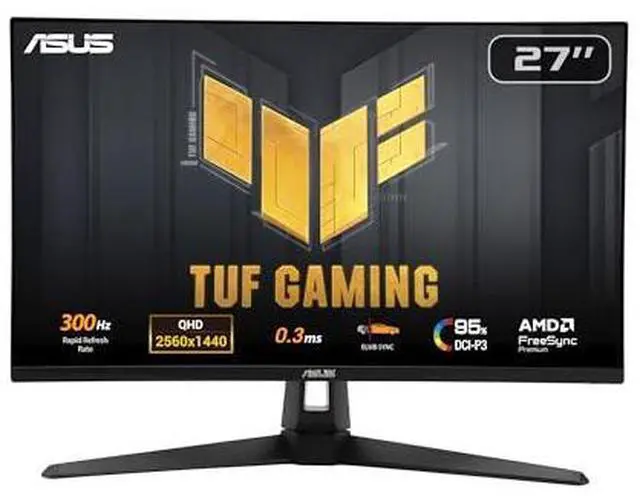
TUF Gaming VG27AQM5A
The TUF Gaming VG27AQM5A, available for $257.99, targets streamers who also game extensively. Its gaming-oriented features suggest a higher refresh rate and faster response times, which are crucial for a smooth gaming experience that translates well to a live stream.
- Strengths: Likely features a high refresh rate and low response time, ideal for competitive gaming streams.
- Caveats: Color accuracy might not be its primary focus compared to ProArt series, and its aesthetic might lean more towards gaming than professional.
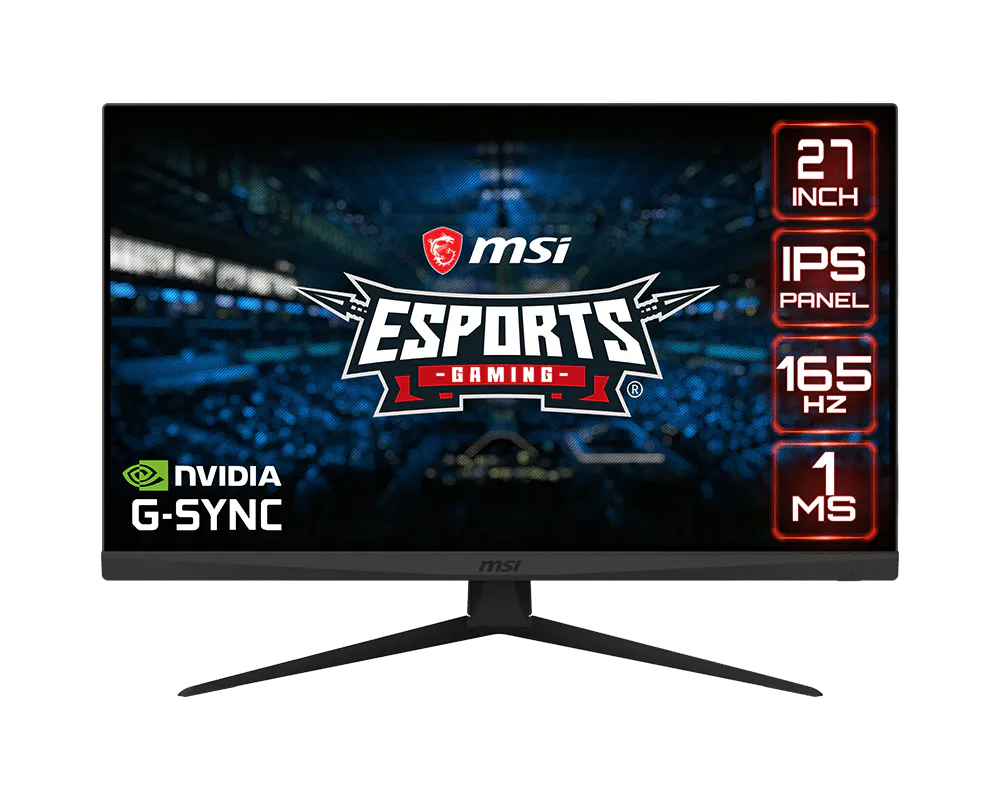
Optix G273
Priced at $258.88, the Optix G273 is another gaming-focused option that can serve streamers well. Its 27-inch size combined with gaming features offers a balanced experience for both playing and broadcasting.
Last updated May 1, 2026