Smart Wizard
Get a complete build plan based on budget and goals.
Build Comparison
Compare complete builds side by side.
Part Comparison
Check specs, price, and value across parts.
Bottleneck Calculator
Measure CPU and GPU balance before you buy.
Power Calculator
Estimate wattage and PSU headroom.
Will It Run?
Test your hardware against popular games.
Theme
BudgetWorkstation
Best Budget Workstation Mice (2026)
This guide focuses on ultra-affordable mice suitable for basic workstation tasks. These options prioritize fundamental functionality and low cost, making them ideal for users who need a reliable input device without advanced features, or for outfitting multiple workstations on a tight budget. Expect basic optical tracking and wired connectivity, perfectly adequate for general office applications.
Featured Picks
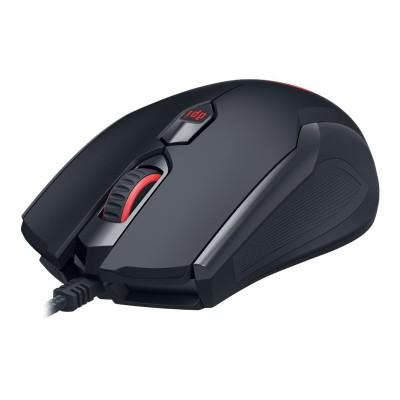
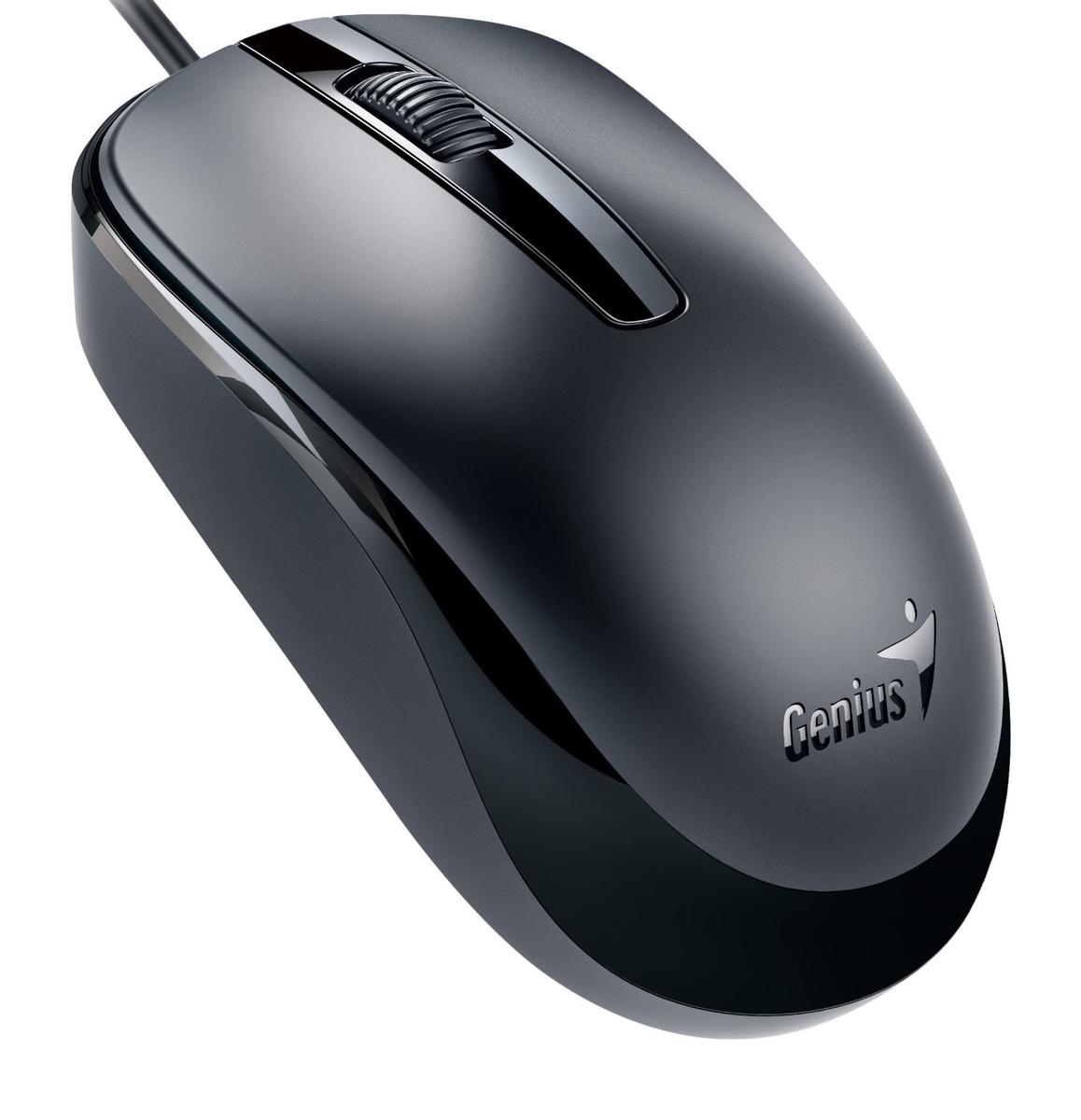
## Ammox X1 400 This mouse is a no-frills option for users who need the absolute cheapest functional mouse. At $4.99, it's the most budget-friendly choice. Strengths: Extremely low price point, basic plug-and-play functionality. Caveats: No specific specifications provided, suggesting very basic performance. Likely lacks ergonomic considerations for extended use.
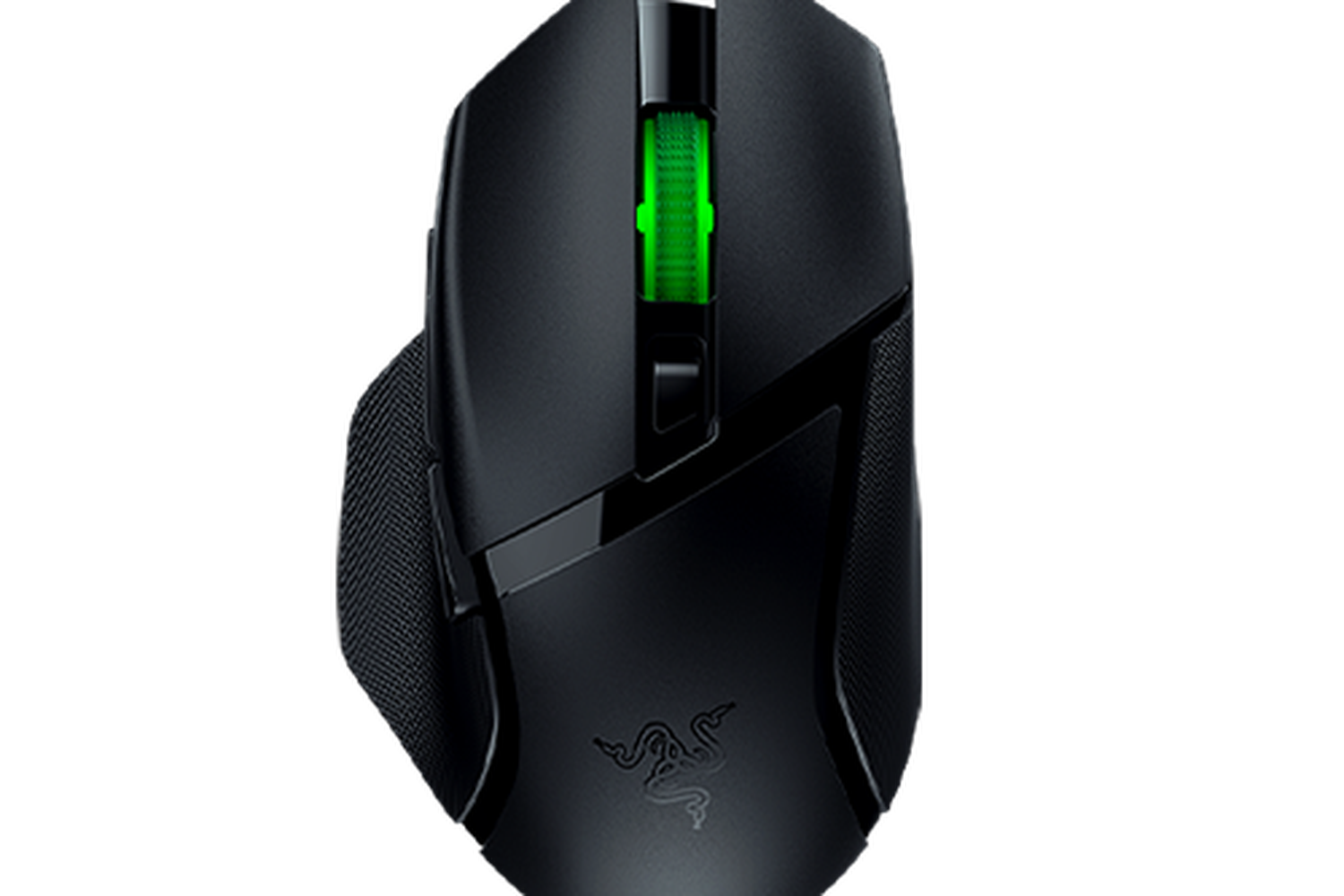
## Basilisk V3 X Hyperspeed Despite its name, at $5.00, this mouse is positioned as a budget workstation option. The "Hyperspeed" branding typically implies wireless, but at this price, it's likely a basic wired model or a very stripped-down wireless version. Strengths: Very competitive price at $5.00. The brand name might suggest a slightly better build quality than generic alternatives. Caveats: No specific specs provided, so performance and actual features are unknown. The "Hyperspeed" designation might be misleading at this price point.
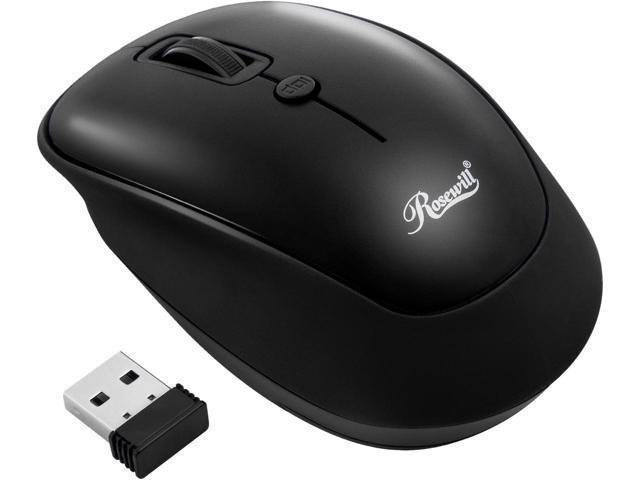
## RWM-001 At $5.39, the RWM-001 offers another entry into the ultra-budget category. This mouse is suitable for general office tasks where cost is the primary concern. Strengths: Low price, basic functionality for everyday use. Caveats: No detailed specifications available, so expect standard performance without advanced features. Ergonomics are likely basic.
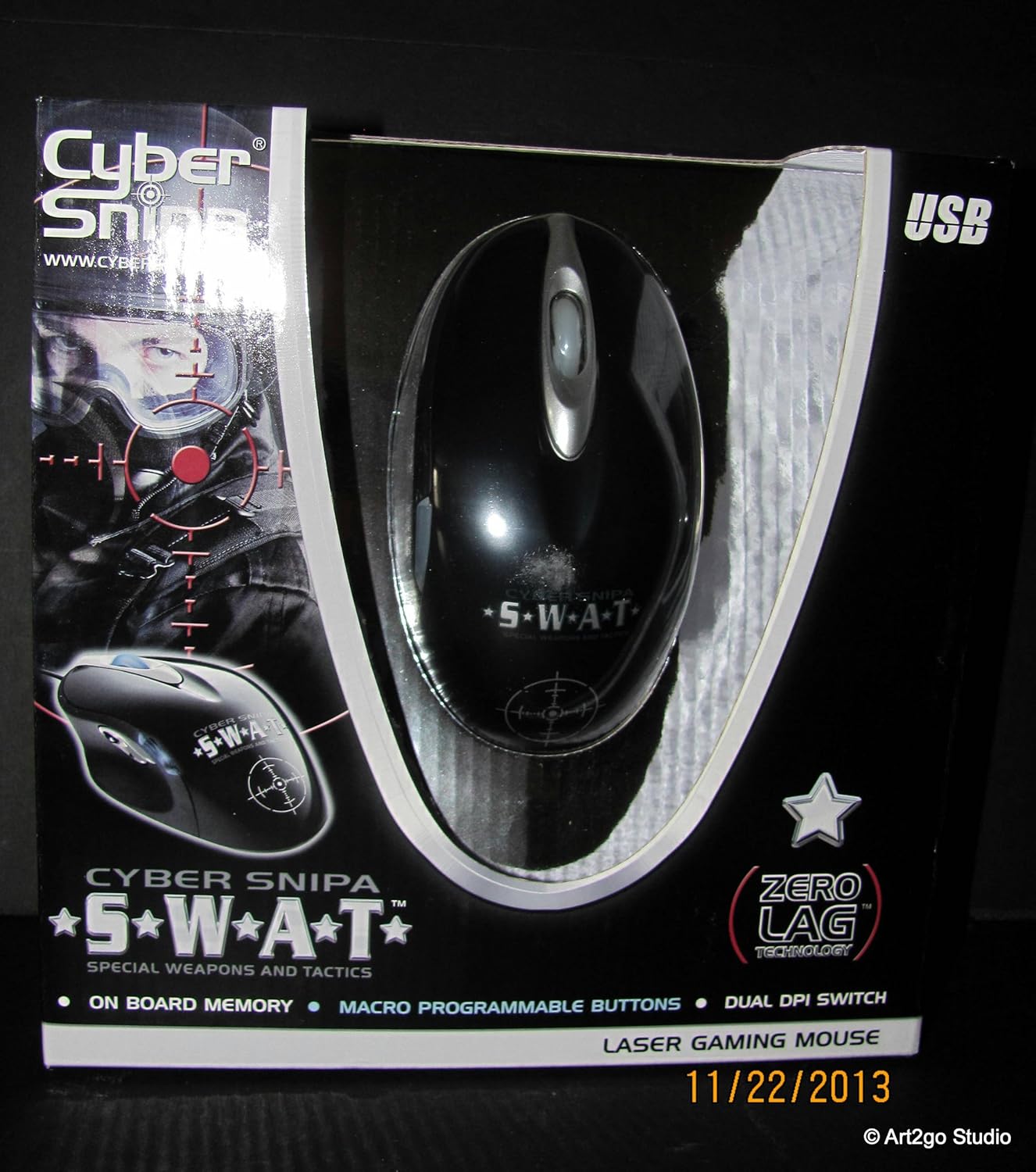
## Snipa CSLMSW01 This mouse, priced at $5.99, is another contender for basic workstation needs. It fits well into environments where a simple, functional mouse is required. Strengths: Affordable price point, suitable for general office work. Caveats: Lack of detailed specifications means performance is assumed to be standard. May not offer advanced comfort features.
## DX 120 The DX 120, at $6.15, is the most expensive option in this budget tier. It's a straightforward choice for users needing a functional mouse without any premium features. Strengths: Still very affordable, provides basic mouse functionality. Caveats: Highest price in this specific budget group. No specific features or performance metrics are provided.
Decision Helper: For absolute lowest cost, the Ammox X1 400 or Basilisk V3 X Hyperspeed are your choices. If you can spend a few cents more for potentially better (though unspecified) build quality, consider the RWM-001, Snipa CSLMSW01, or DX 120. All options are suitable for basic data entry and navigation.
Last updated May 1, 2026