Smart Wizard
Get a complete build plan based on budget and goals.
Build Comparison
Compare complete builds side by side.
Part Comparison
Check specs, price, and value across parts.
Bottleneck Calculator
Measure CPU and GPU balance before you buy.
Power Calculator
Estimate wattage and PSU headroom.
Will It Run?
Test your hardware against popular games.
Theme
BudgetOffice
Budget RAM for Office Use: 2024 Buyer's Guide
This guide focuses on budget-tier RAM suitable for general office tasks such as word processing, spreadsheets, web browsing, and email. These options prioritize cost-effectiveness over high-performance gaming or intensive content creation. Users looking to upgrade older systems or build new, extremely cost-conscious office PCs will find relevant choices here, though some options may be overkill or outdated for typical modern office setups.
Featured Picks
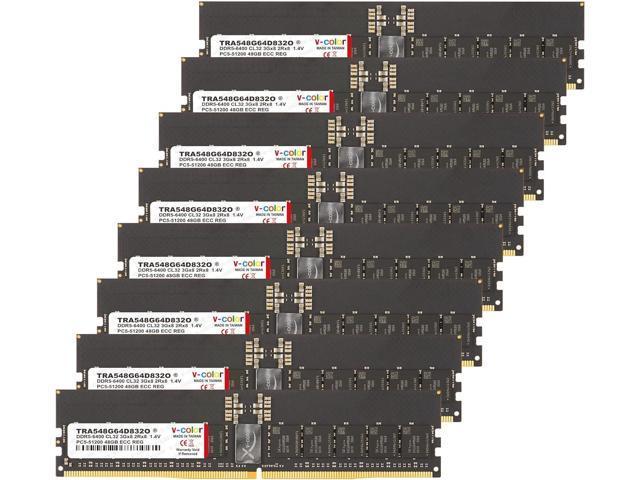
TRA548G64D832O 384 GB
This DDR5 module offers an exceptionally high capacity at a very low price point, making it suitable for future-proofing or highly specialized office applications that demand vast amounts of RAM, even if most office tasks won't utilize it fully. Its DDR5 technology ensures modern compatibility and high speeds.
- Strengths: Unprecedented 384 GB capacity for $7.19; modern DDR5 memory type; high speed at 6400 MHz; DIMM form factor for standard desktop compatibility.
- Caveats: The 384 GB capacity is significantly overkill for standard office use, meaning much of the investment in capacity will go unused. Compatibility with older motherboards is non-existent due to DDR5 requirement.
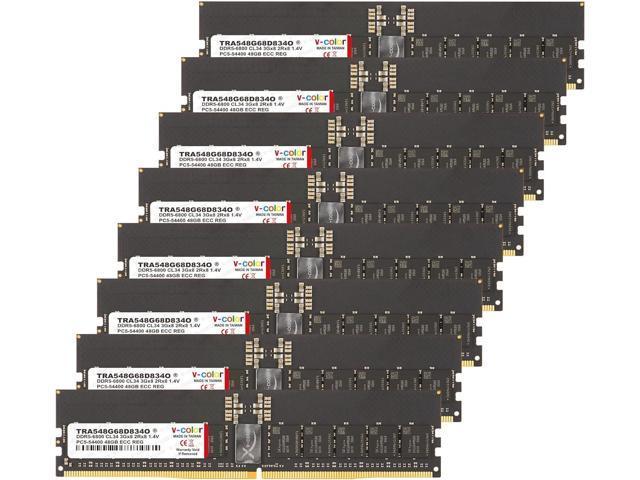
TRA548G68D834O 384 GB
Similar to its sibling, this DDR5 module provides an enormous 384 GB capacity for $7.19, but with a slightly higher speed. It's an option for those building a new office PC with a DDR5 motherboard who want maximum theoretical headroom for an extremely low cost, even if the capacity is largely unnecessary.
- Strengths: Massive 384 GB capacity for $7.19; modern DDR5 memory type; even higher speed at 6800 MHz.
- Caveats: As with the other 384 GB module, this capacity is vastly excessive for typical office applications. Requires a DDR5-compatible motherboard, which might not be present in older budget systems.
Value 16 GB
This DDR3 module offers a practical 16 GB capacity at a very attractive price of $6.99. It's an excellent choice for upgrading older office PCs that use DDR3 memory, providing a solid amount of RAM for multitasking and general productivity without breaking the bank.
- Strengths: Good 16 GB capacity, sufficient for most office multitasking; extremely low price of $6.99; suitable for upgrading older DDR3 systems.
- Caveats: DDR3 is an older memory standard, limiting its use to older motherboards. The speed of 1333 MHz is relatively slow compared to modern standards, though adequate for basic office tasks.
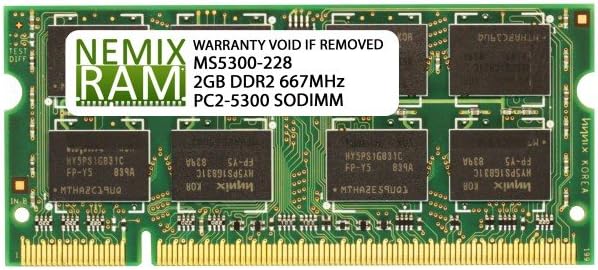
KVR800D2S5/1G 1 GB
This 1 GB DDR2 module at $7.57 is only relevant for extremely old systems that specifically require DDR2 memory and have very limited upgrade options. It's a bare minimum for basic functionality, not for performance.
Last updated May 1, 2026