Smart Wizard
Get a complete build plan based on budget and goals.
Build Comparison
Compare complete builds side by side.
Part Comparison
Check specs, price, and value across parts.
Bottleneck Calculator
Measure CPU and GPU balance before you buy.
Power Calculator
Estimate wattage and PSU headroom.
Will It Run?
Test your hardware against popular games.
Theme
Mid-TierWorkstation
Best Mid-Tier WiFi Cards for Workstations 2026
This buyer's guide focuses on mid-tier WiFi cards, generally priced around $30-$35, suitable for workstation use where reliable wireless connectivity is needed without breaking the bank. These cards are a good fit for users who require stable internet access for general productivity tasks, video conferencing, and moderate data transfers, but do not necessarily need the absolute bleeding-edge performance or advanced features found in higher-end models. They offer a significant upgrade over basic integrated WiFi or older standards, providing a balance of cost and capability for a typical office or home workstation environment.
Featured Picks
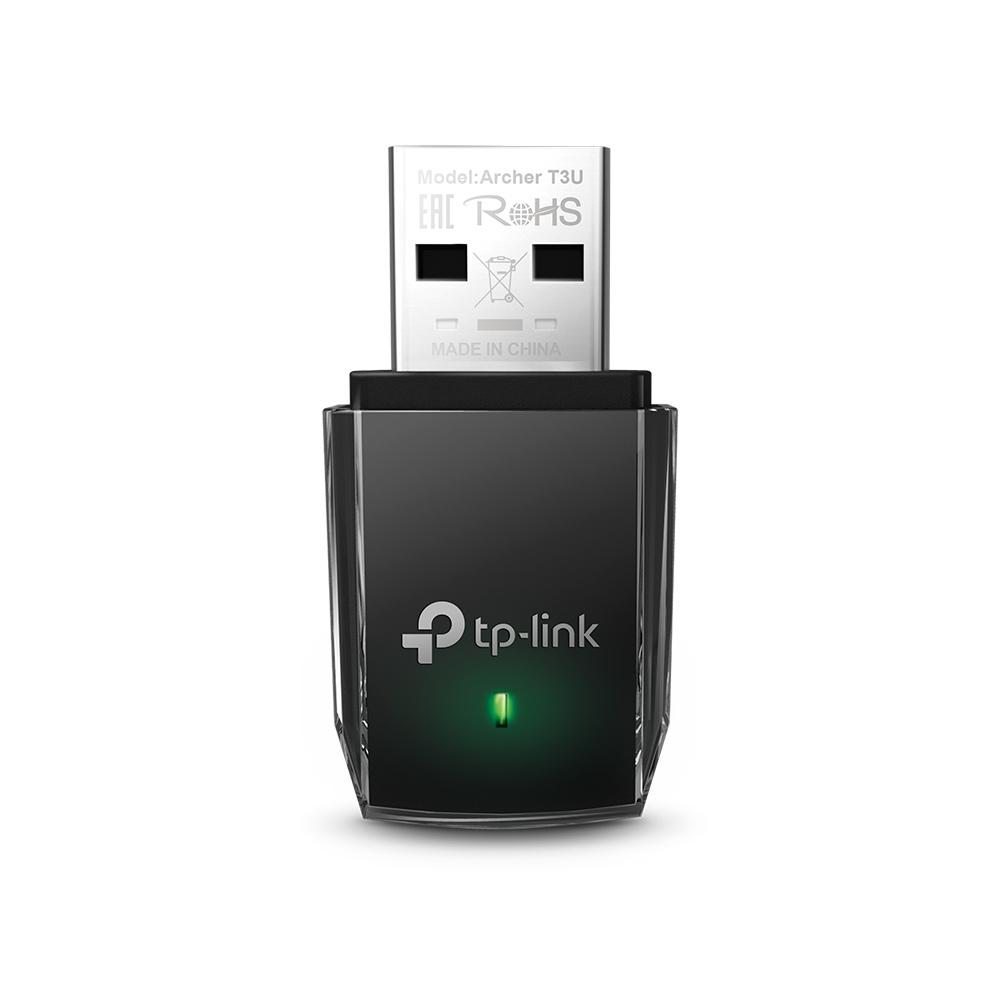

TP-Link Archer T3U
This USB adapter is a viable option for workstations needing a compact, external WiFi solution. It's particularly useful for systems without available internal PCIe slots or for laptops needing an upgrade.
Strengths: Portability: Its small form factor makes it easy to move between systems or for travel. USB 3.0 Connectivity: Utilizes the faster USB 3.0 standard for better throughput compared to older USB 2.0 adapters. Cost-Effective:* At $31.75, it's the most affordable option on this list.
Caveats: External Design: Being a USB dongle, it occupies a USB port and can be more prone to accidental disconnections or physical damage compared to internal cards. Limited Antenna: Its integrated antenna may offer less range and signal stability than cards with external antennas.
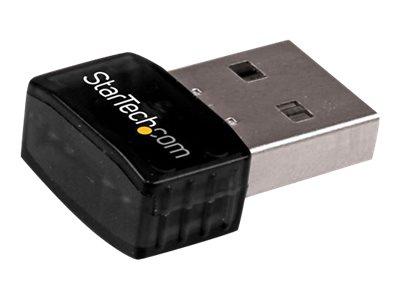
StarTech.com USB300WN2X2C
The StarTech.com USB300WN2X2C is another USB-based solution, offering a different form factor than the compact dongle. It's suitable for workstations that prioritize flexibility and ease of installation.
Strengths: External Antennas: Features external antennas, which generally provide better signal reception and range compared to internal antennas. USB Flexibility: Easy to install and move between systems without opening the PC case. Driver Support:* StarTech.com typically provides good driver support across various operating systems.
Caveats: USB Occupancy: Like other USB adapters, it uses up a USB port. Older Standard: While not explicitly stated, the model name suggests it might be based on an older WiFi standard (e.g., Wireless N), which could limit maximum speeds compared to newer AC or AX standards. Priced at $32.38.
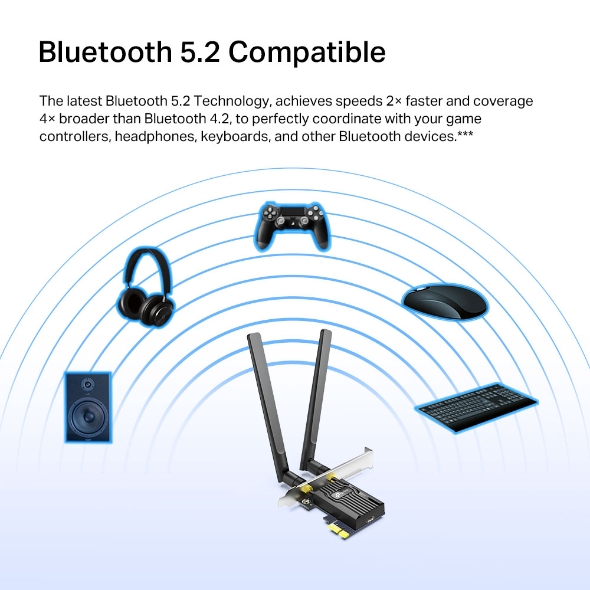
TP-Link Archer TX55E
The Archer TX55E is an internal PCIe card, making it an excellent choice for desktop workstations that have an available PCIe slot and prioritize a clean, integrated setup. This card supports the newer WiFi 6 (802.11ax) standard.
Last updated May 1, 2026